6510 | Minecraft 4n
each
In stock
In stock
Out of stock
Description
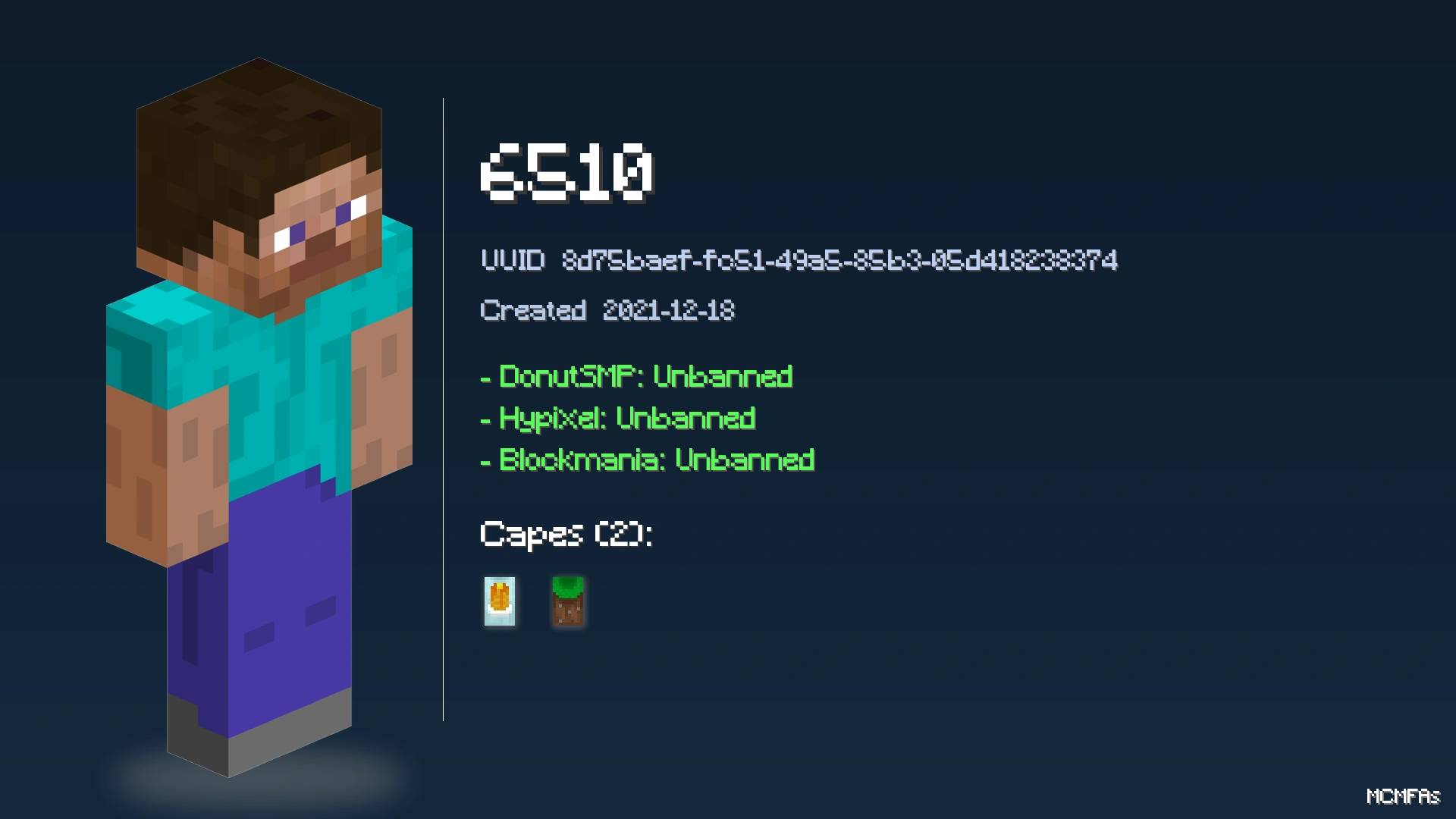
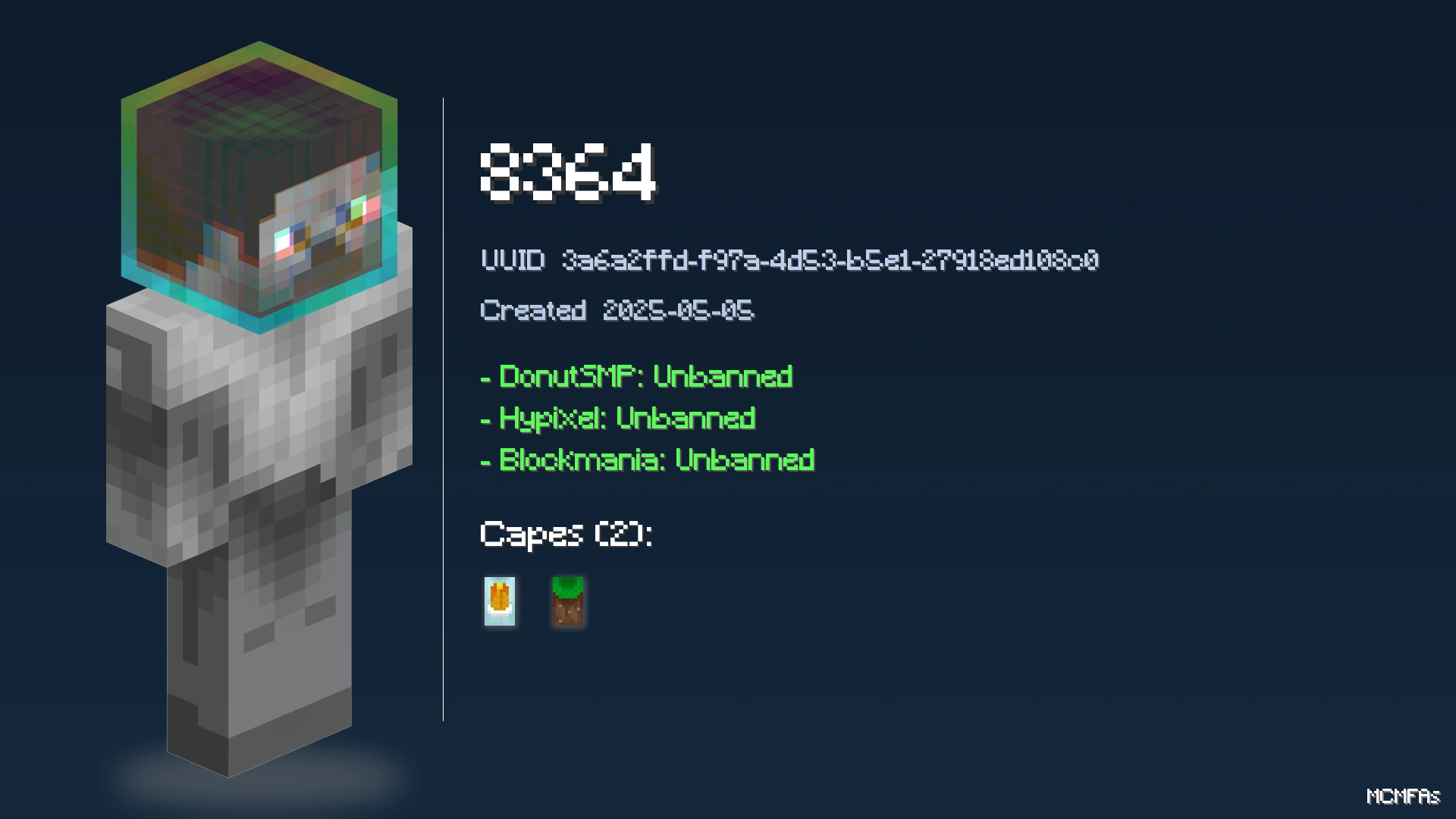
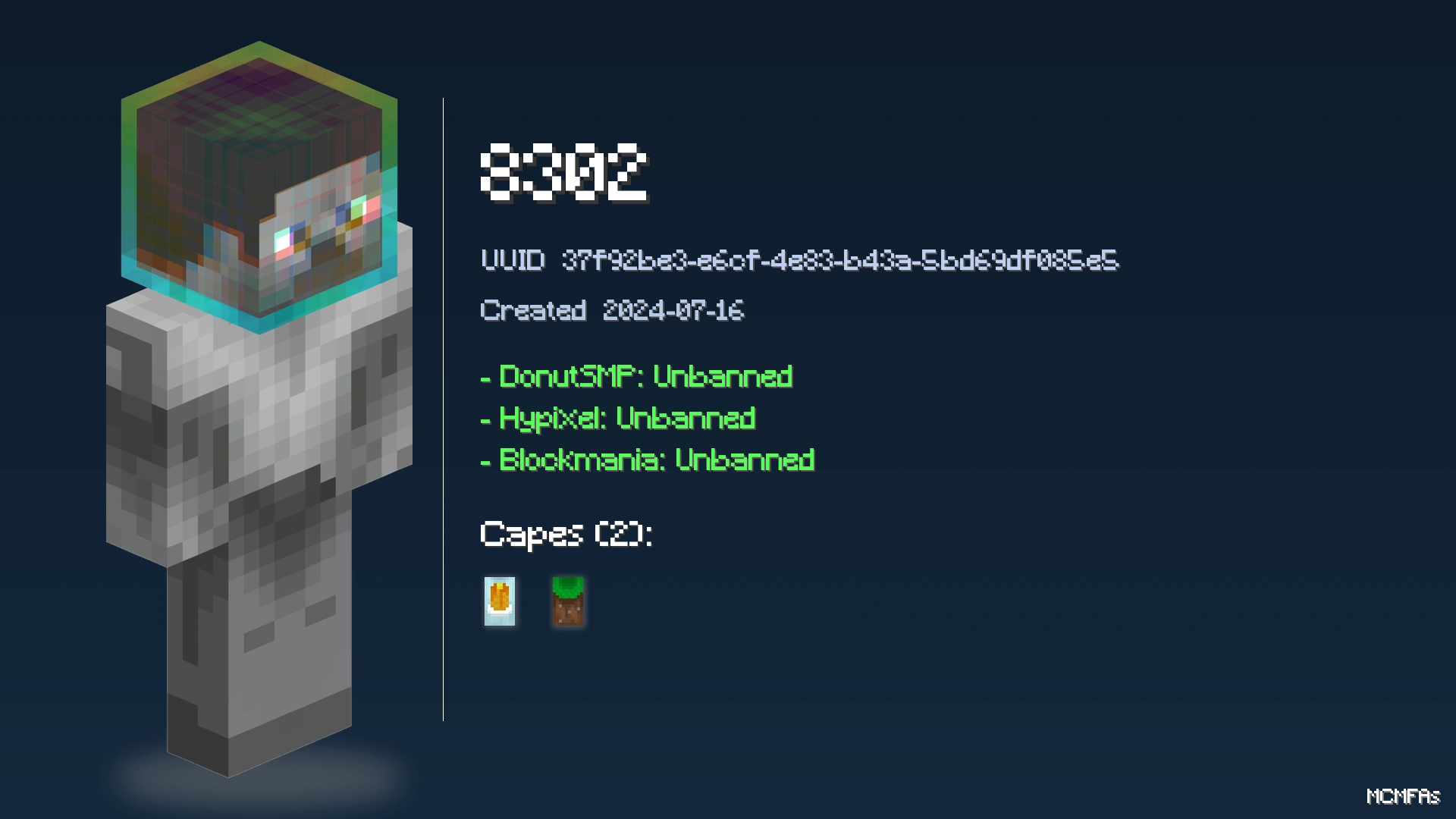
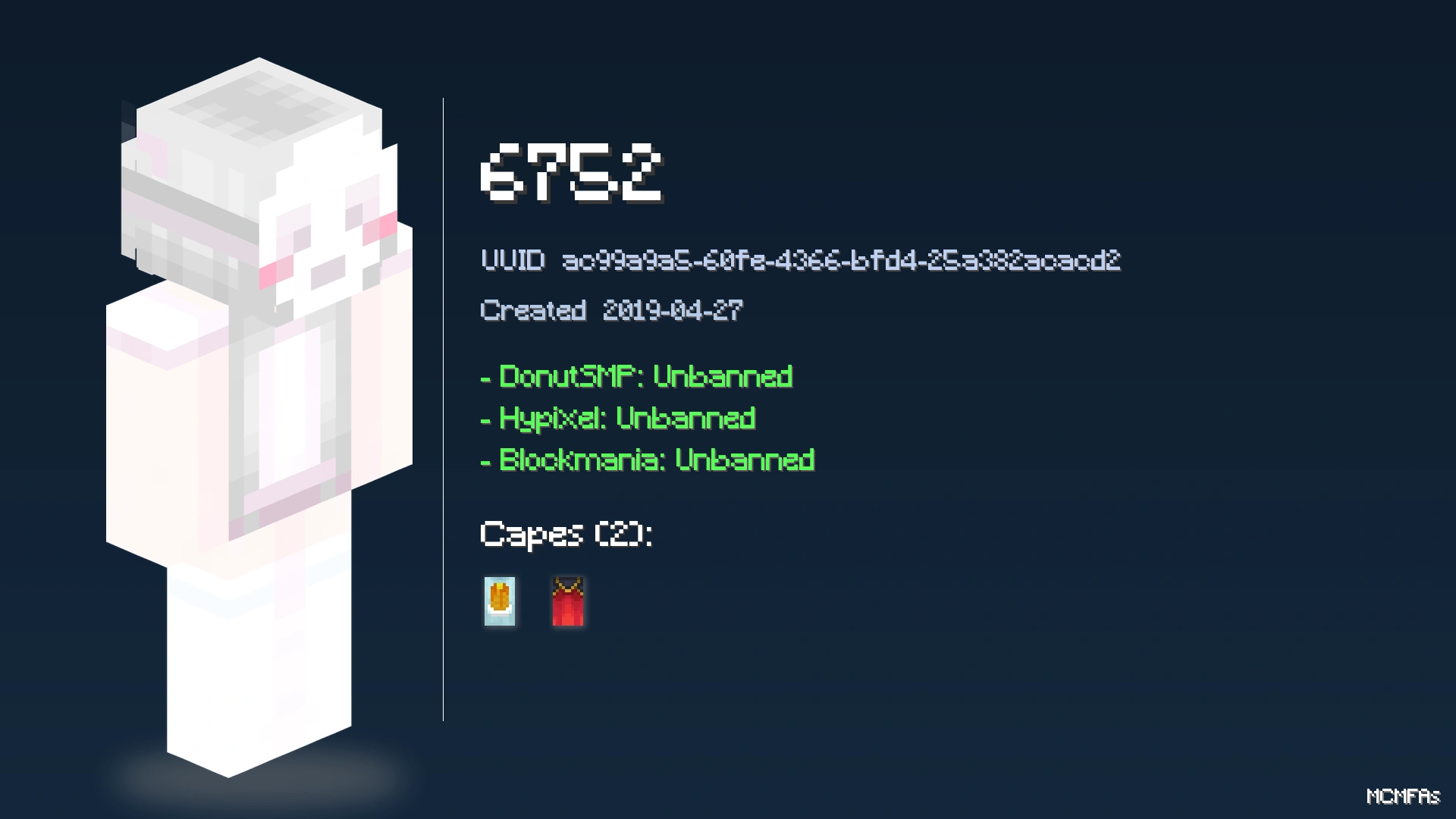
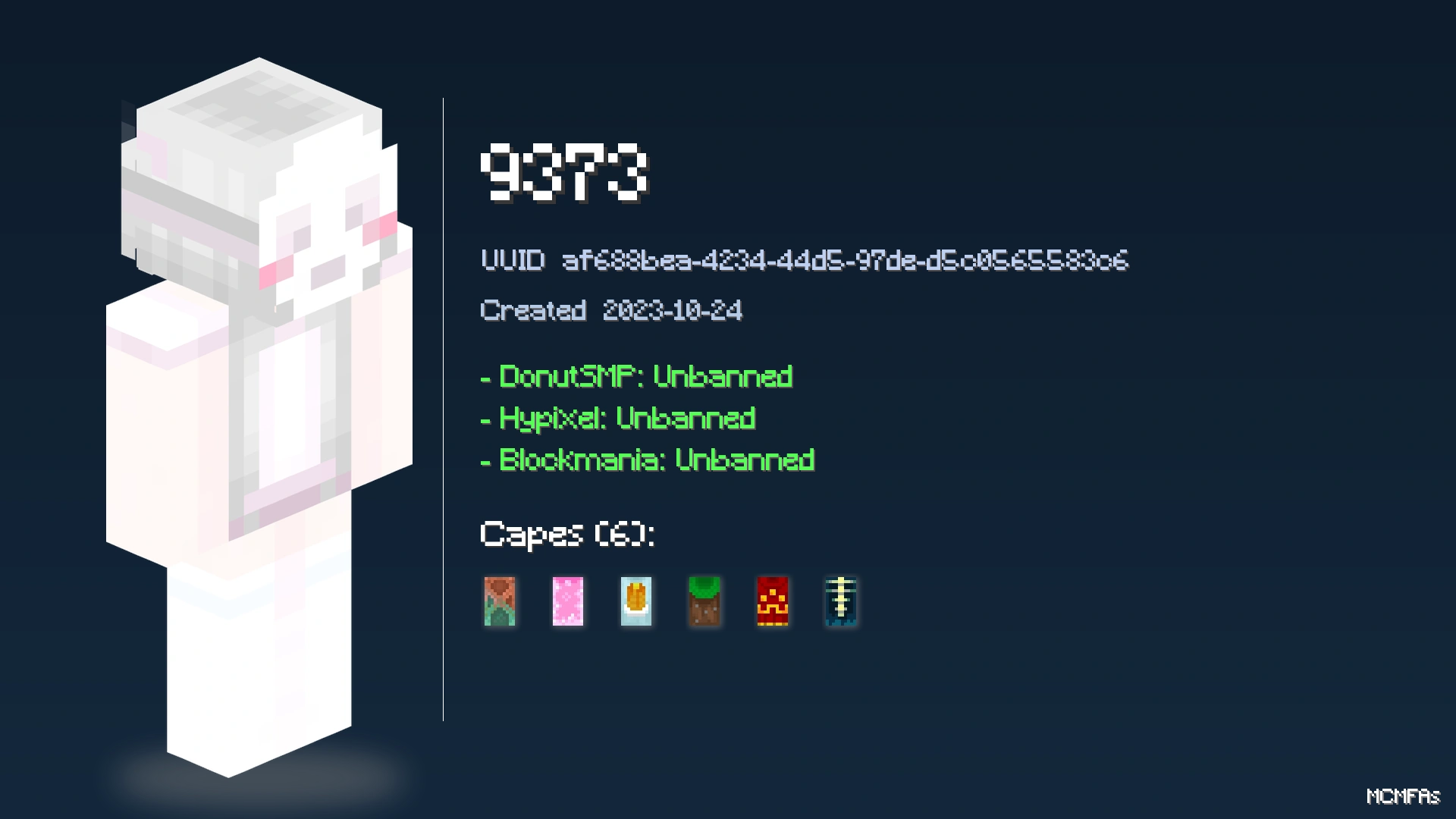
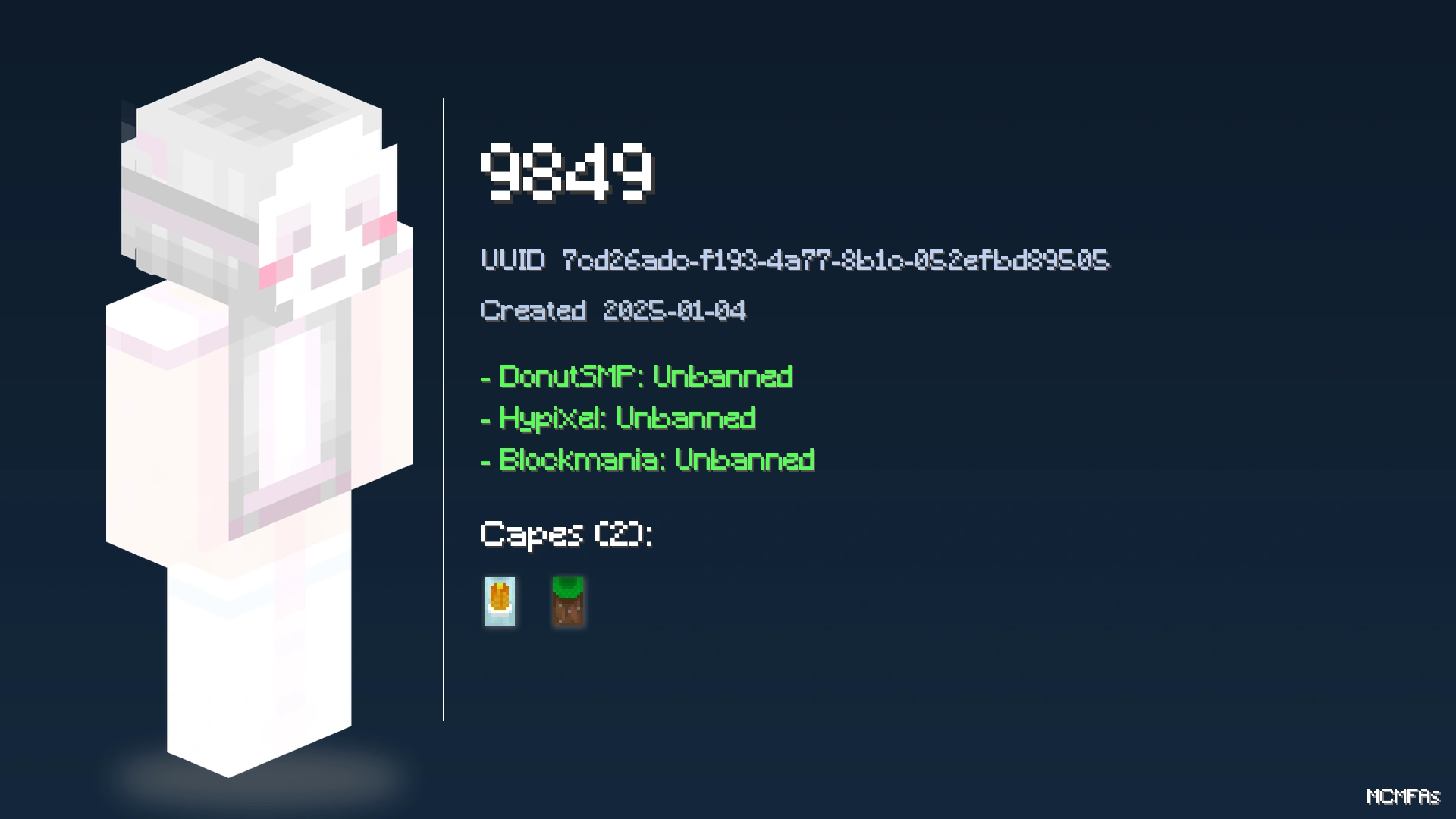
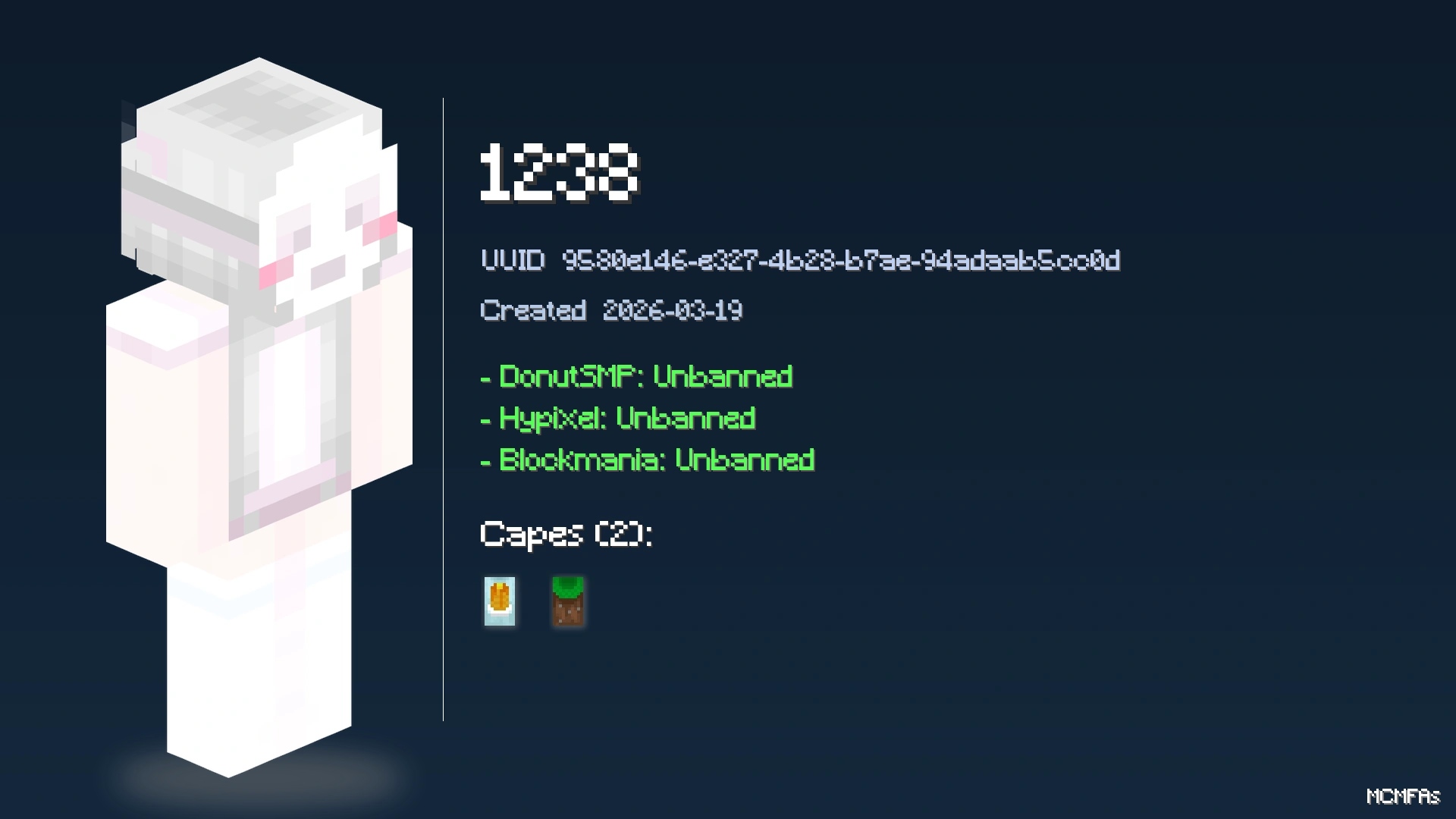
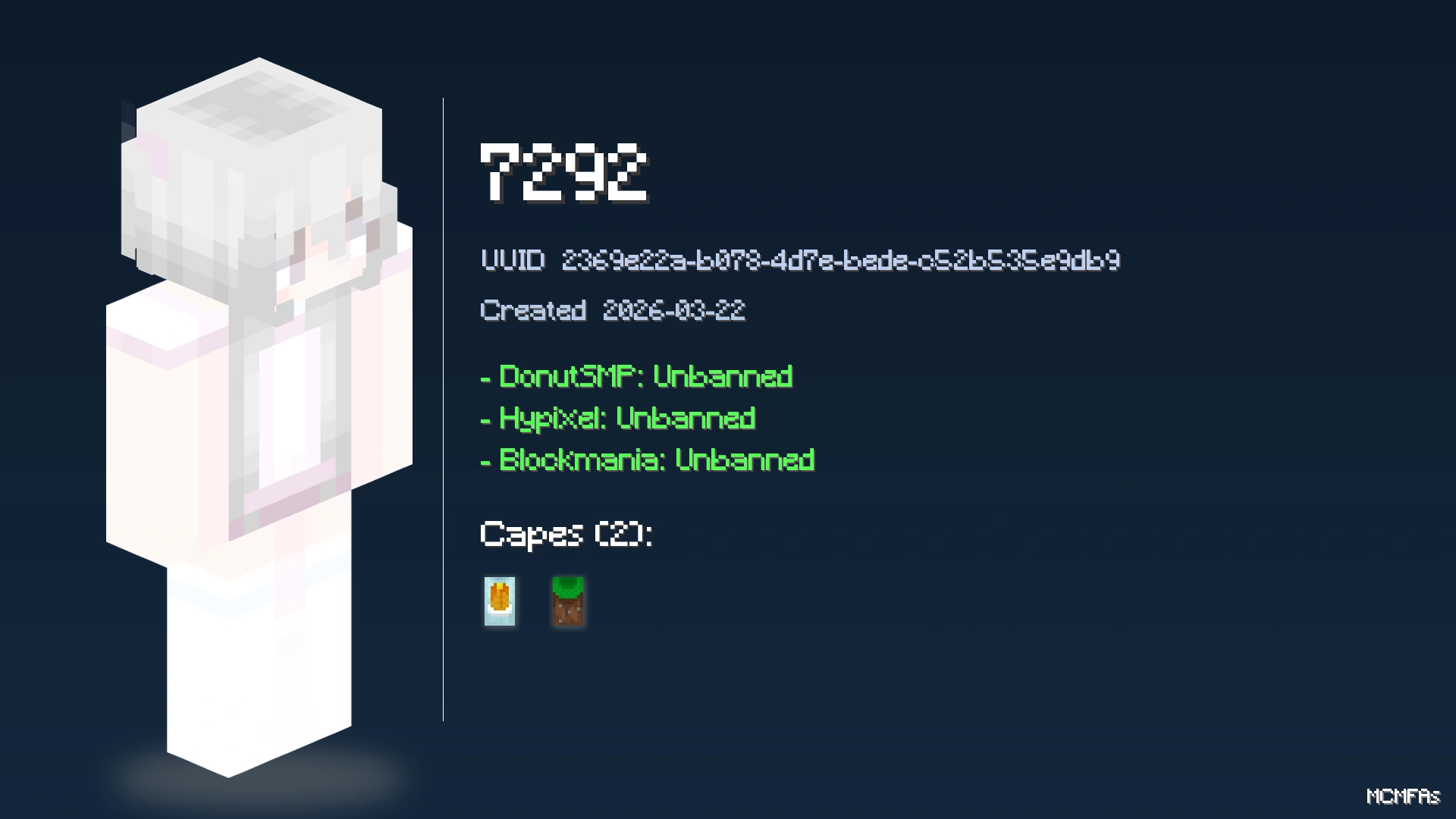
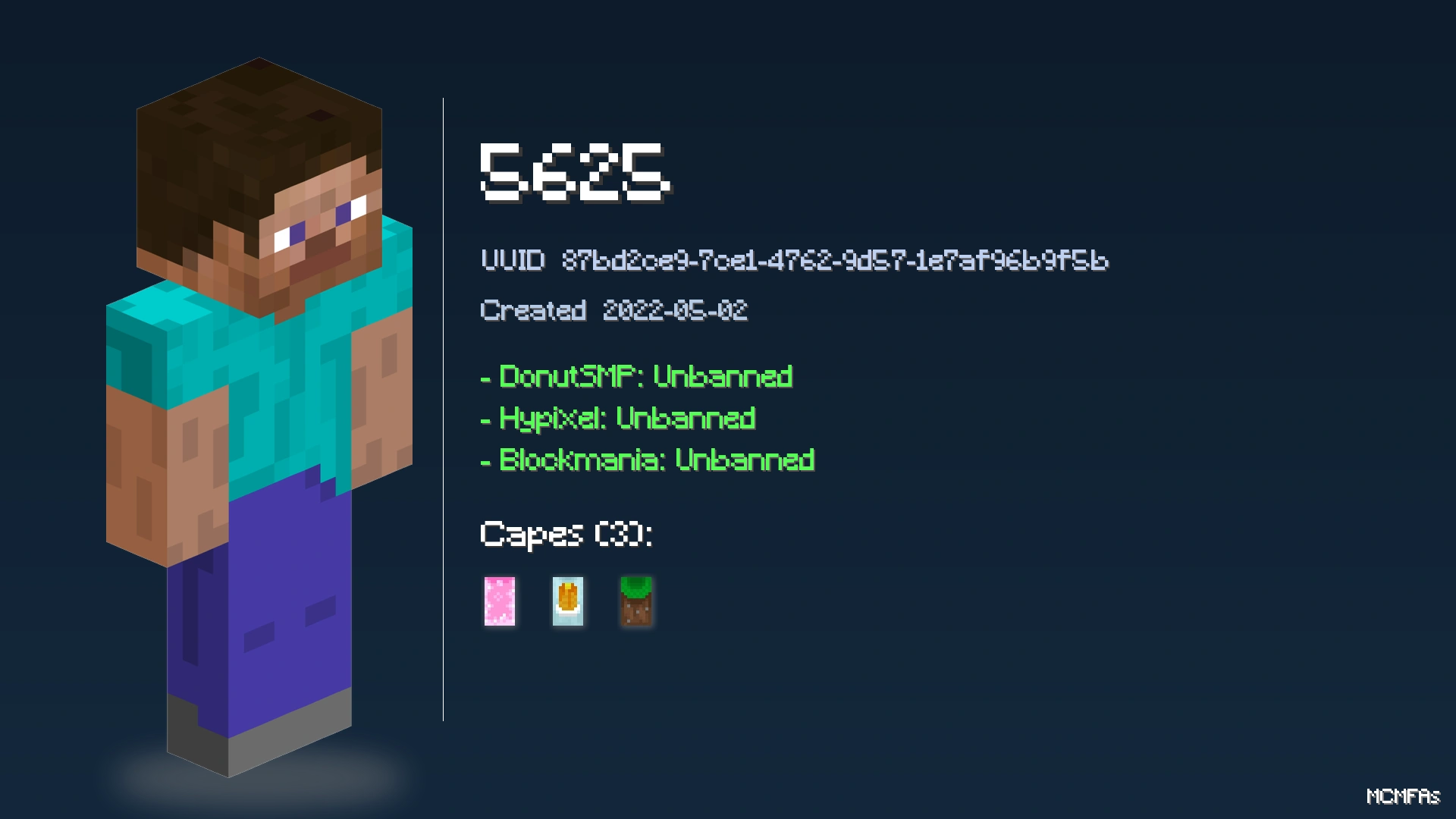
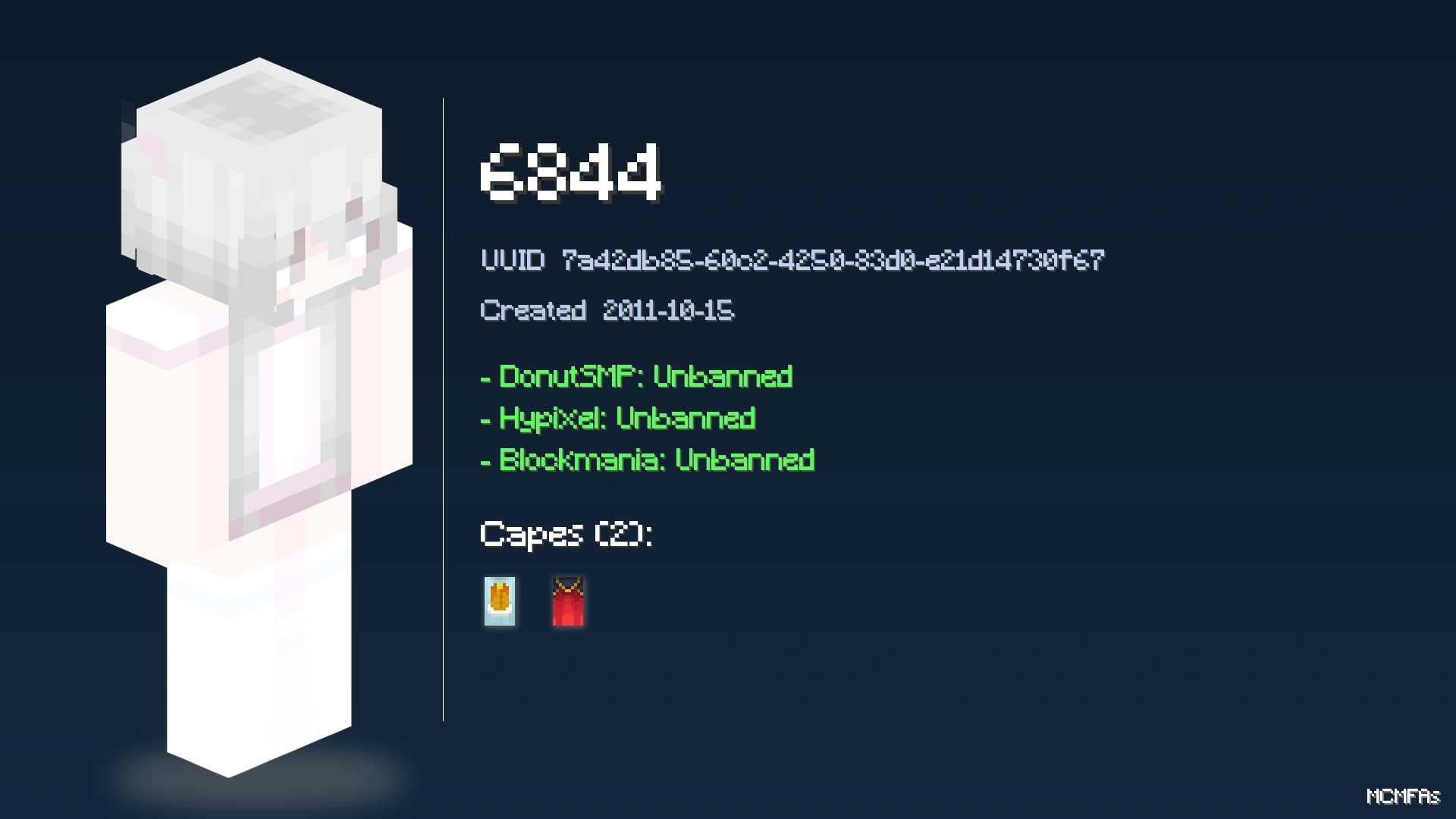
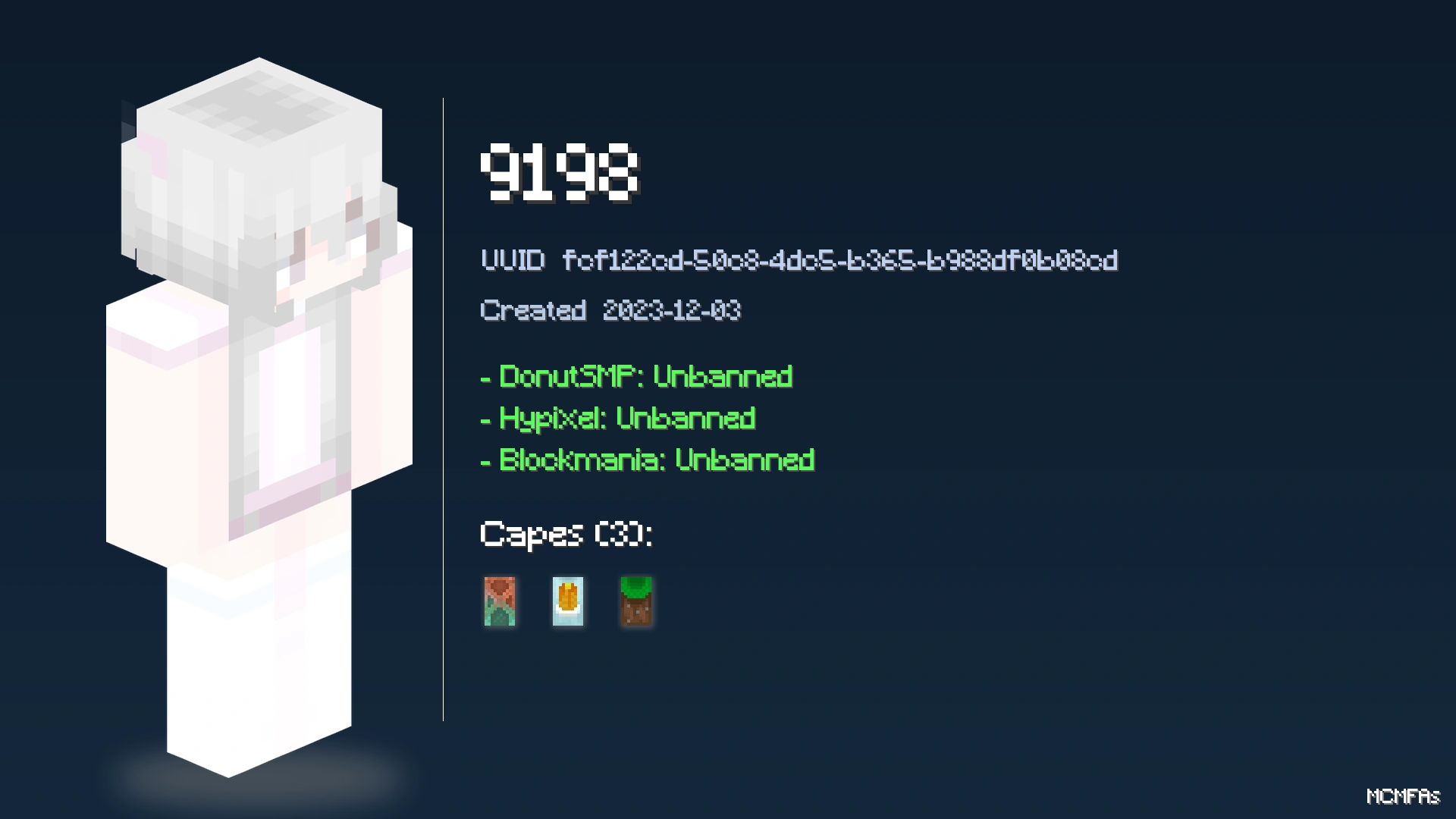
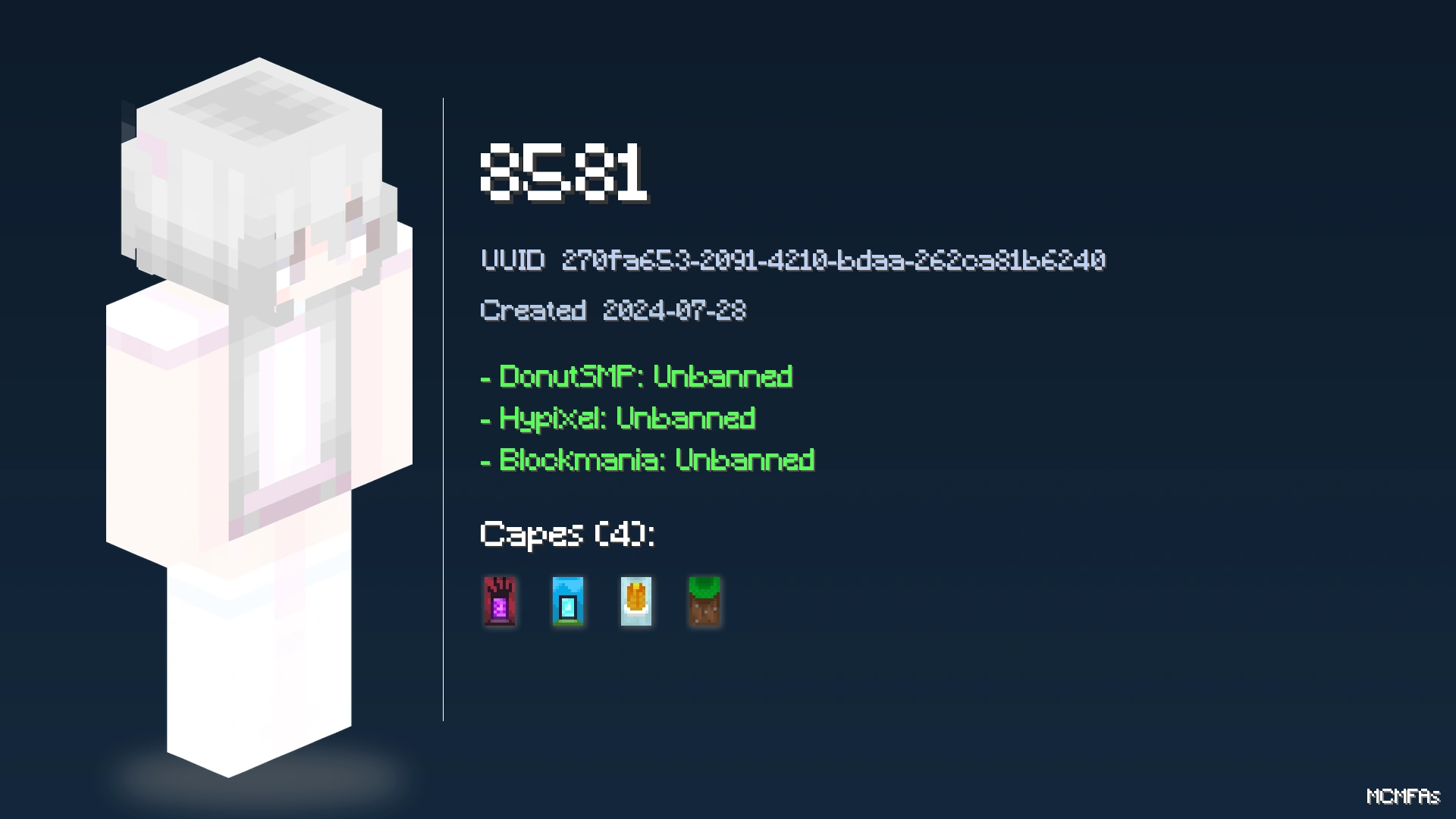
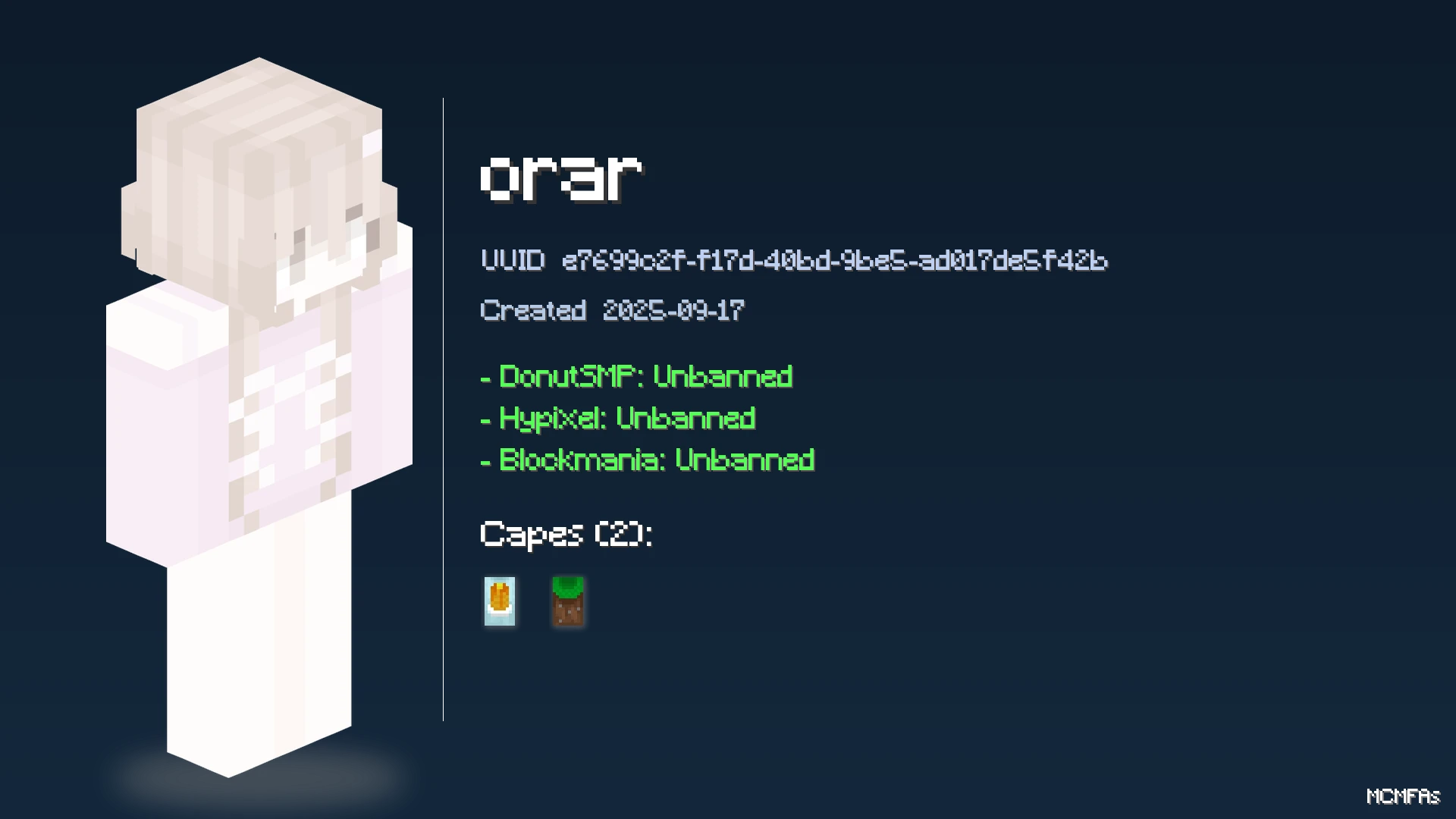
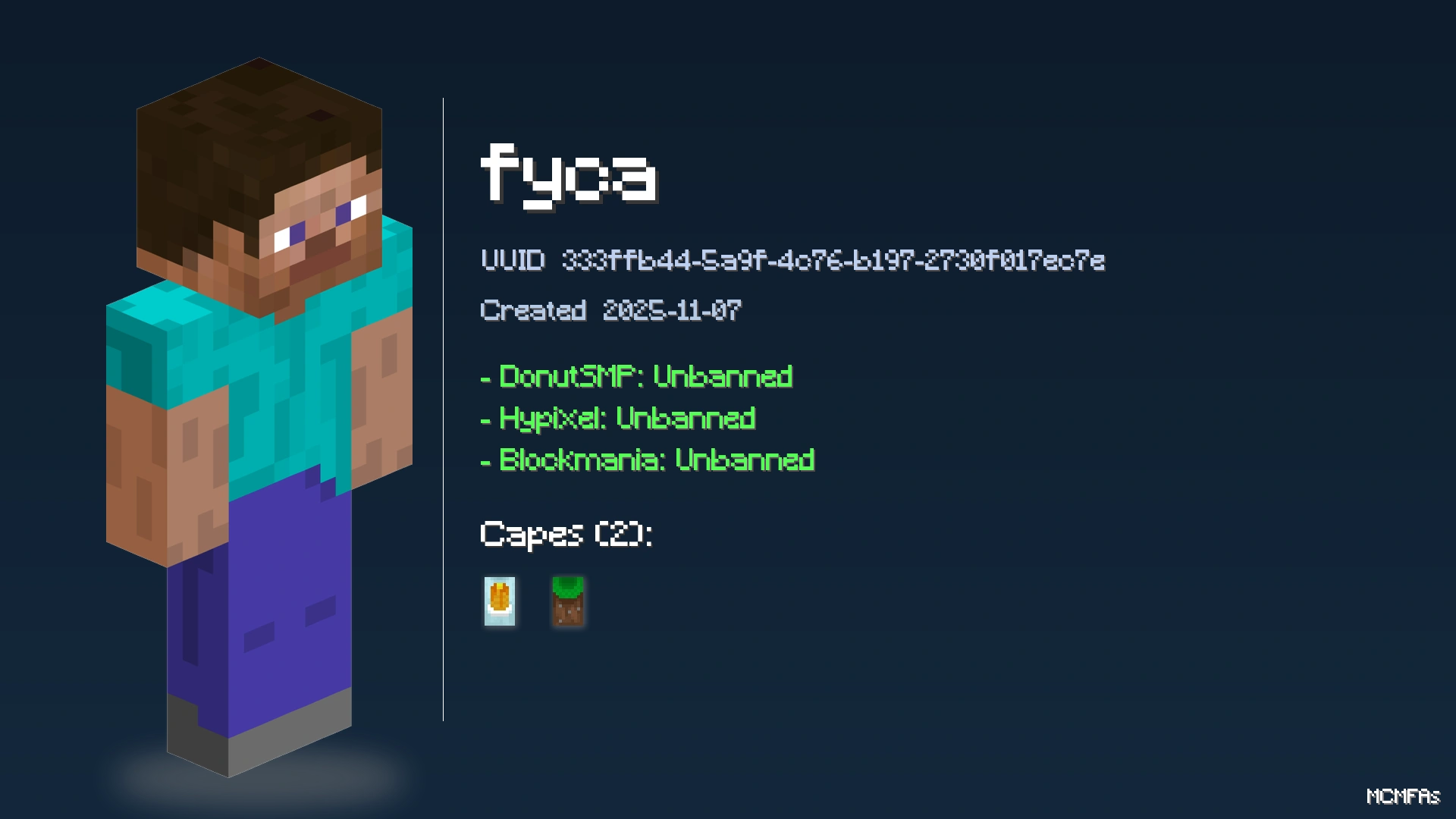
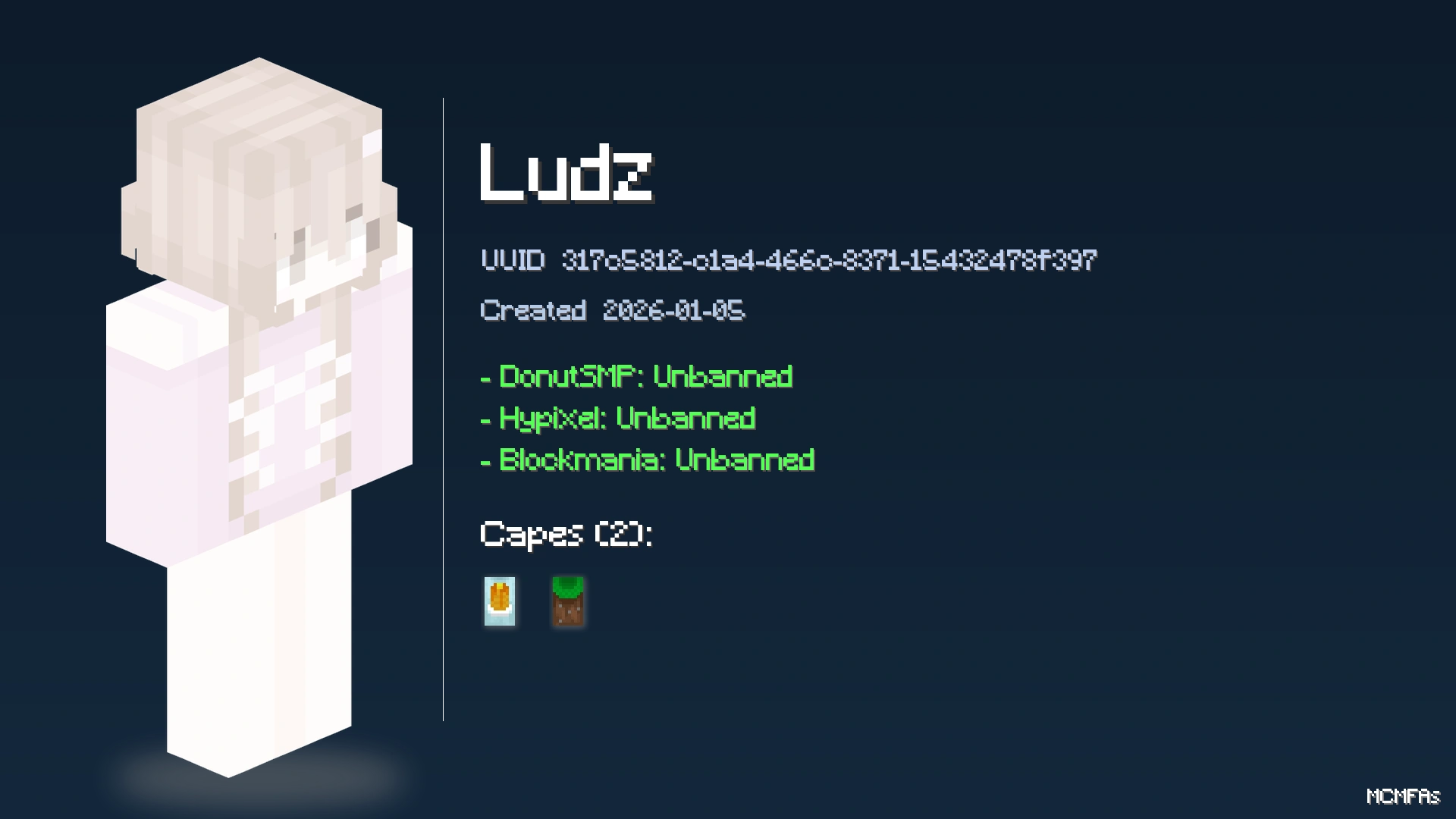
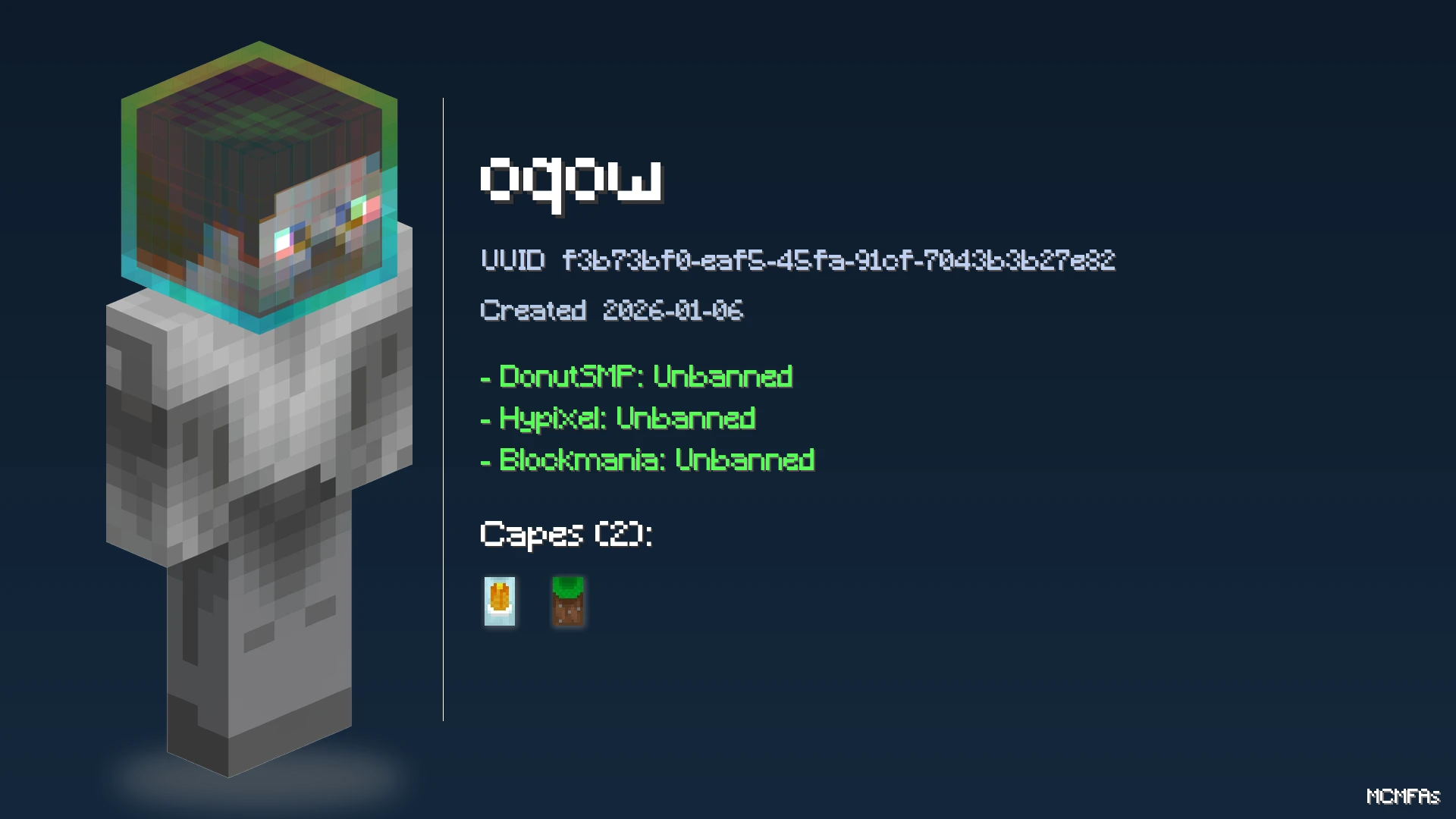
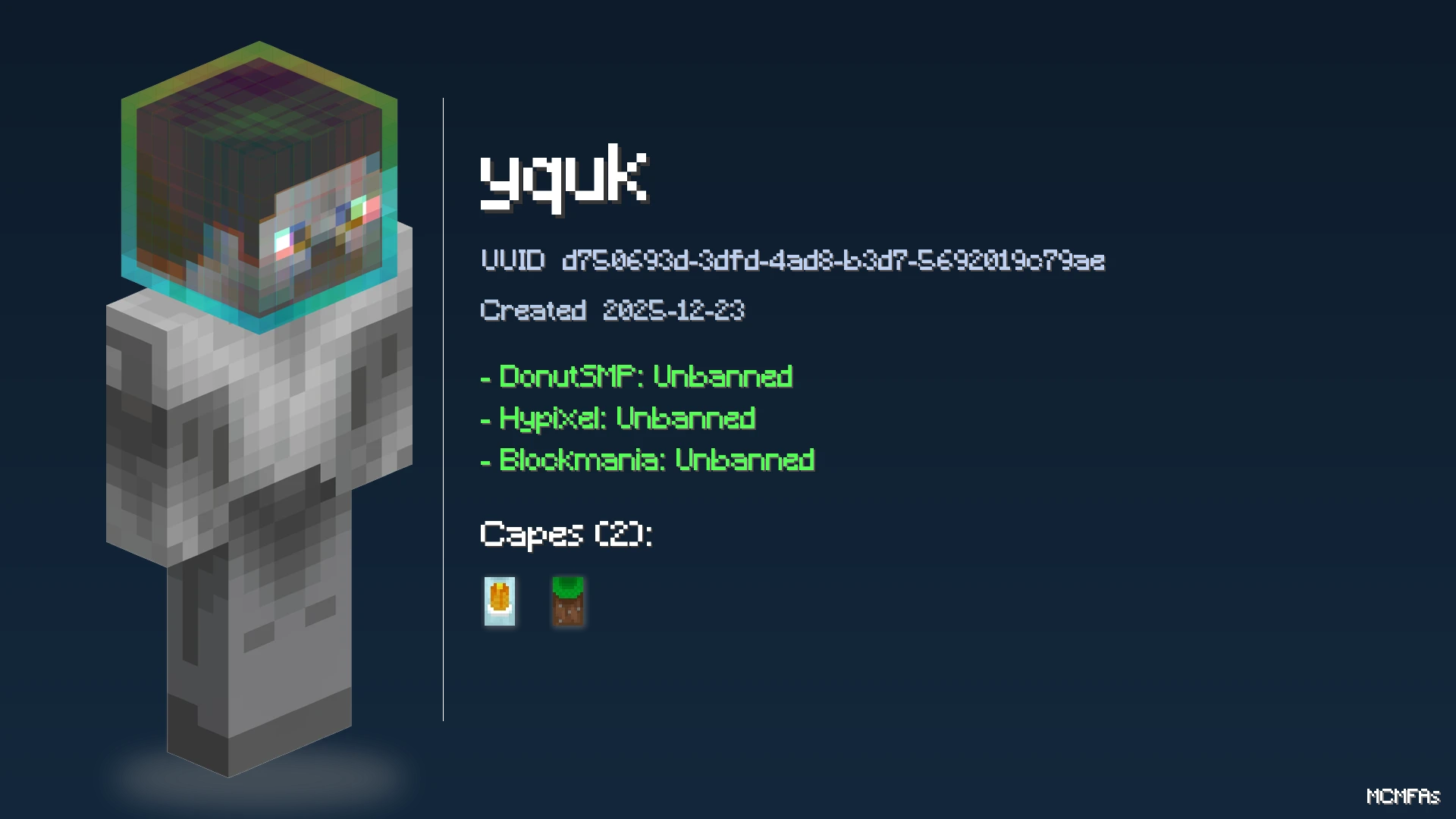
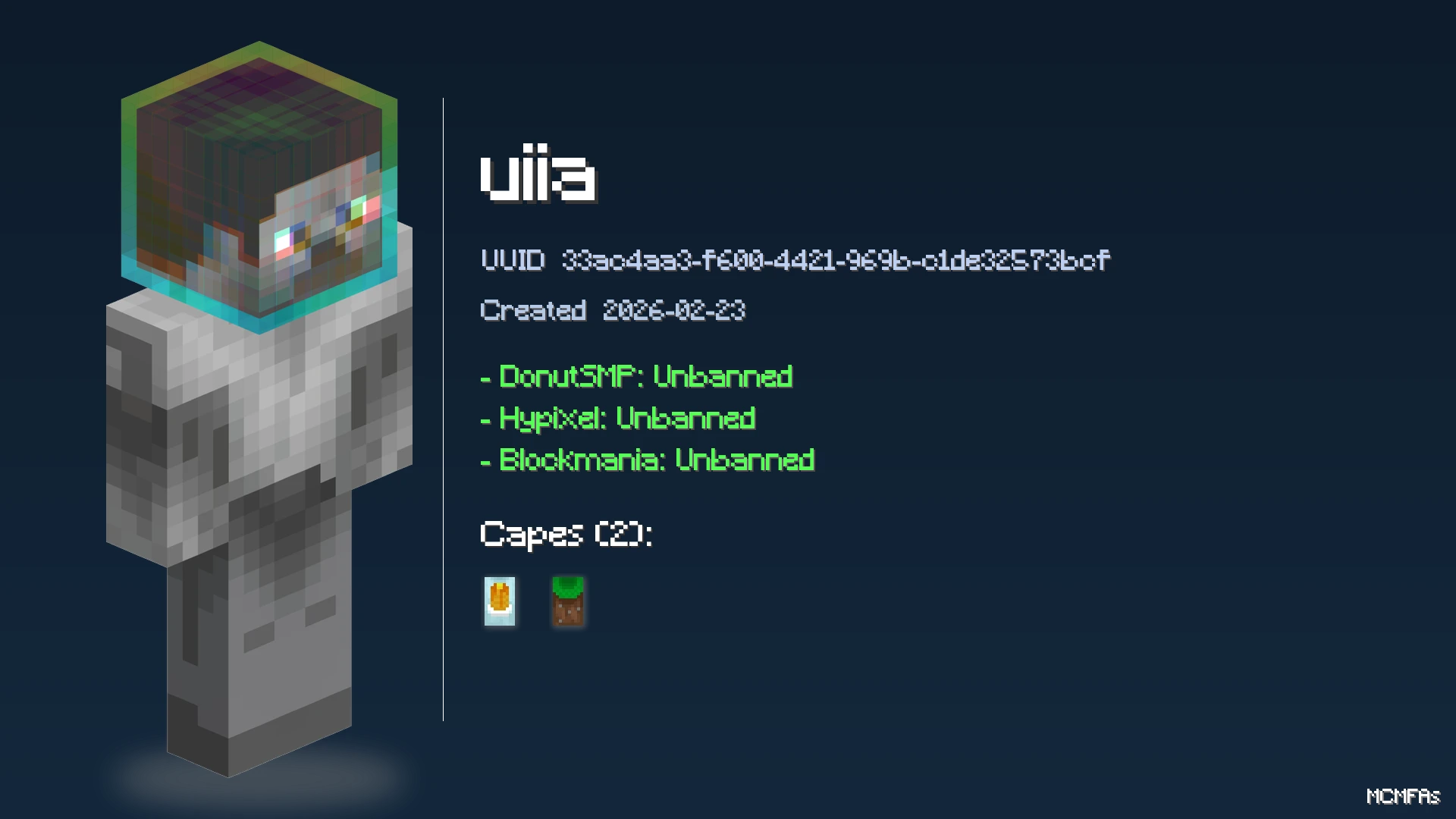
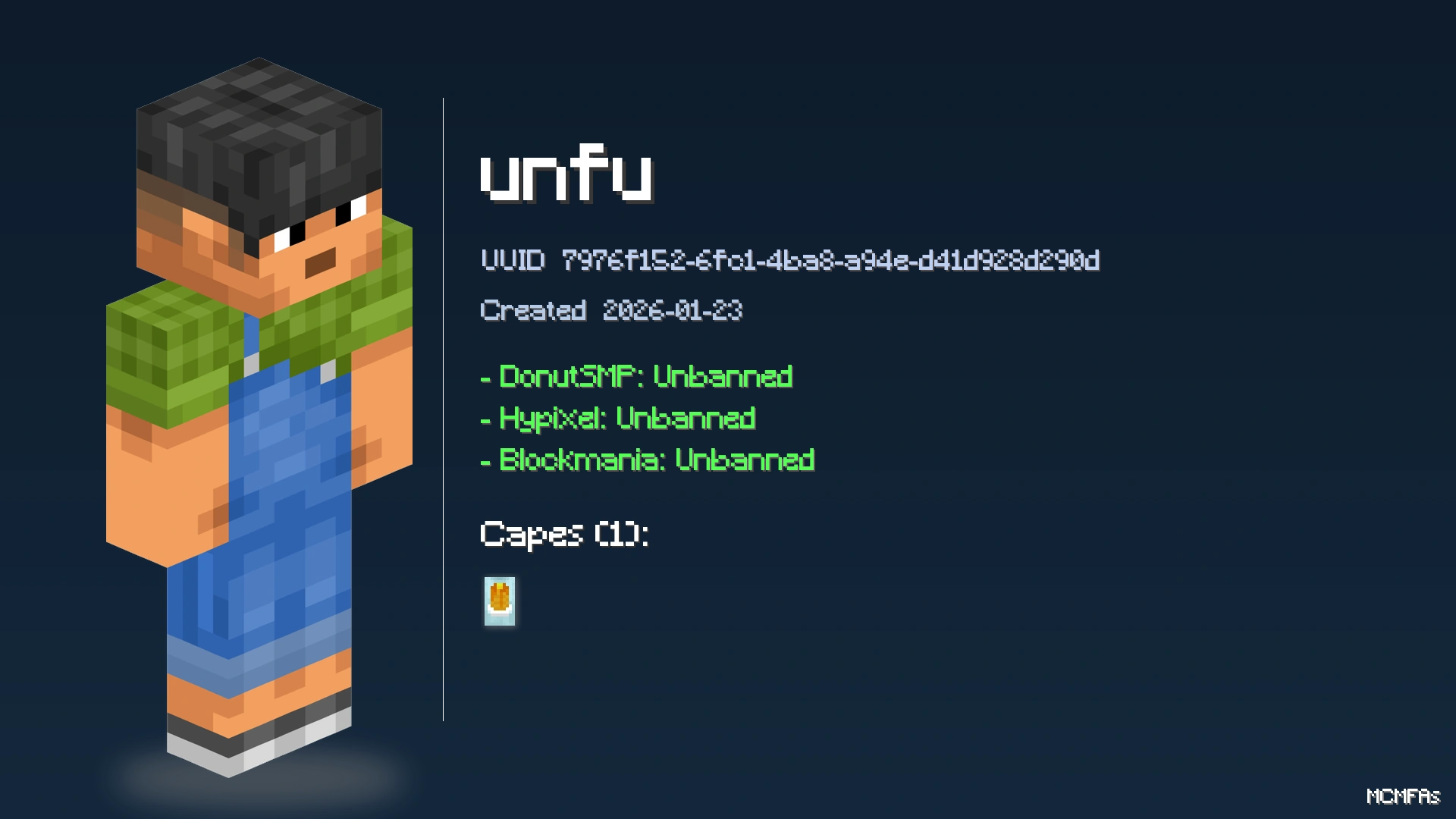
🎮 6510
UUID: 8d75baef-fc51-49a5-85b3-05d418238374
Created: December 18, 2021
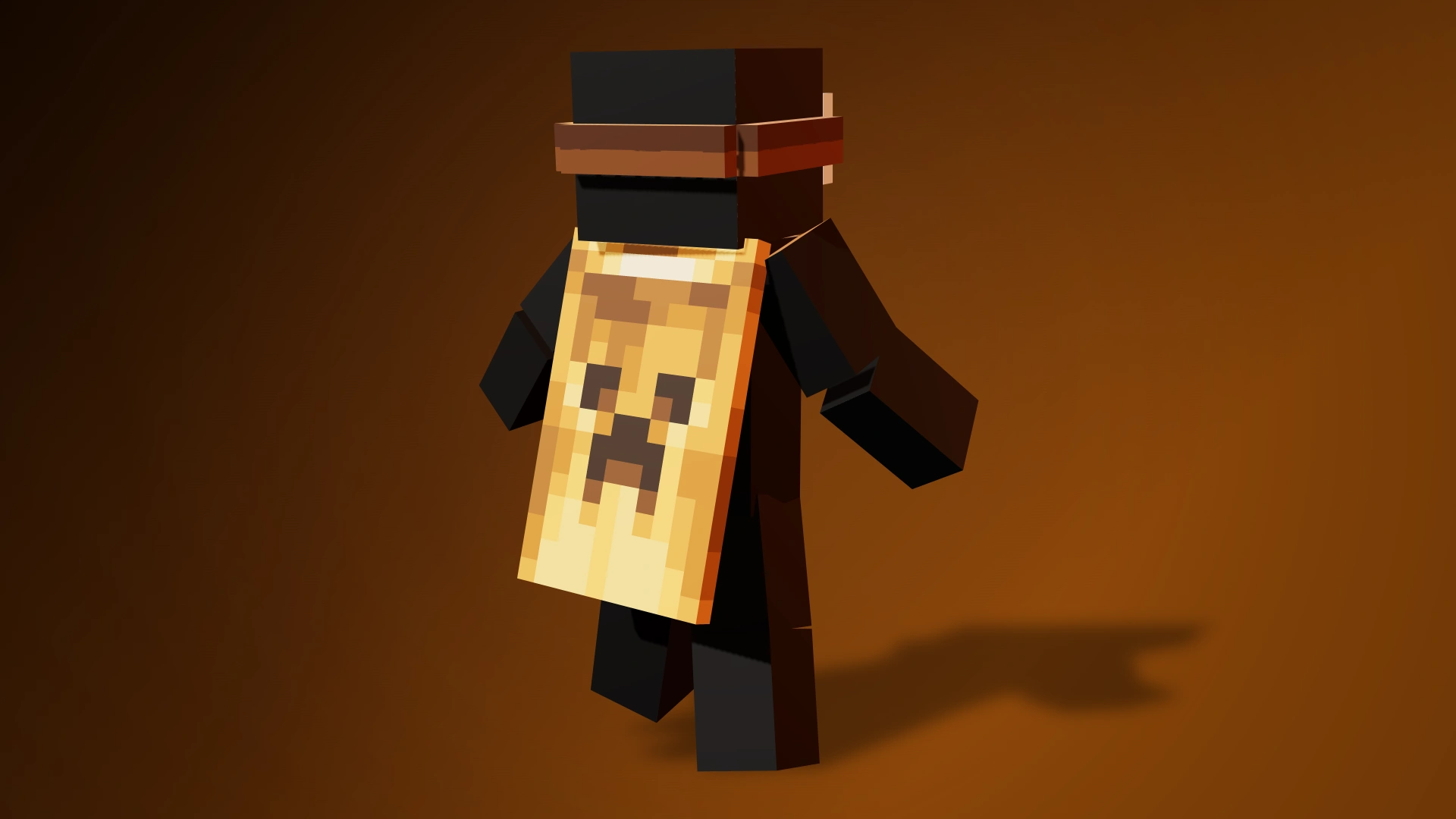
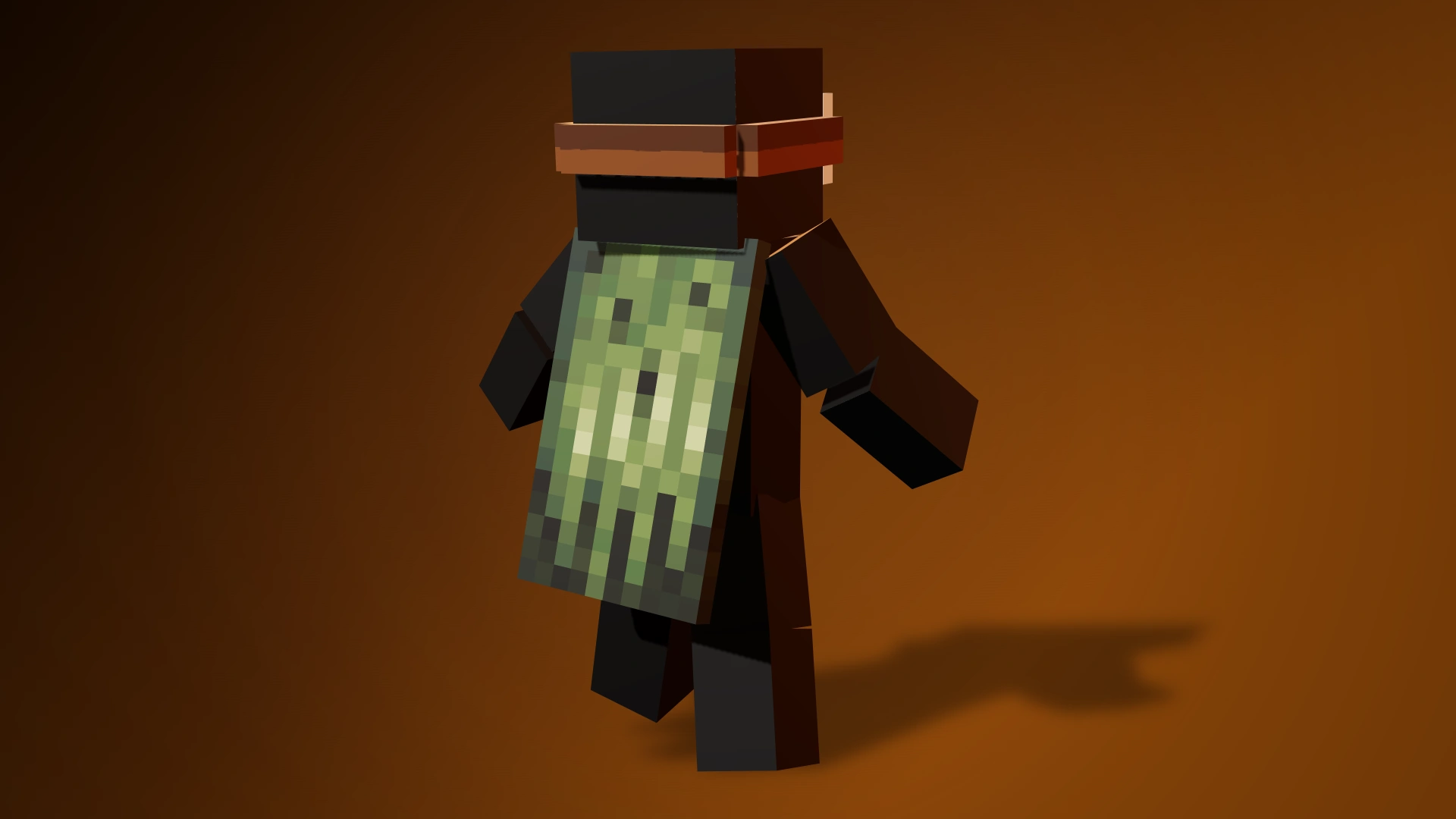
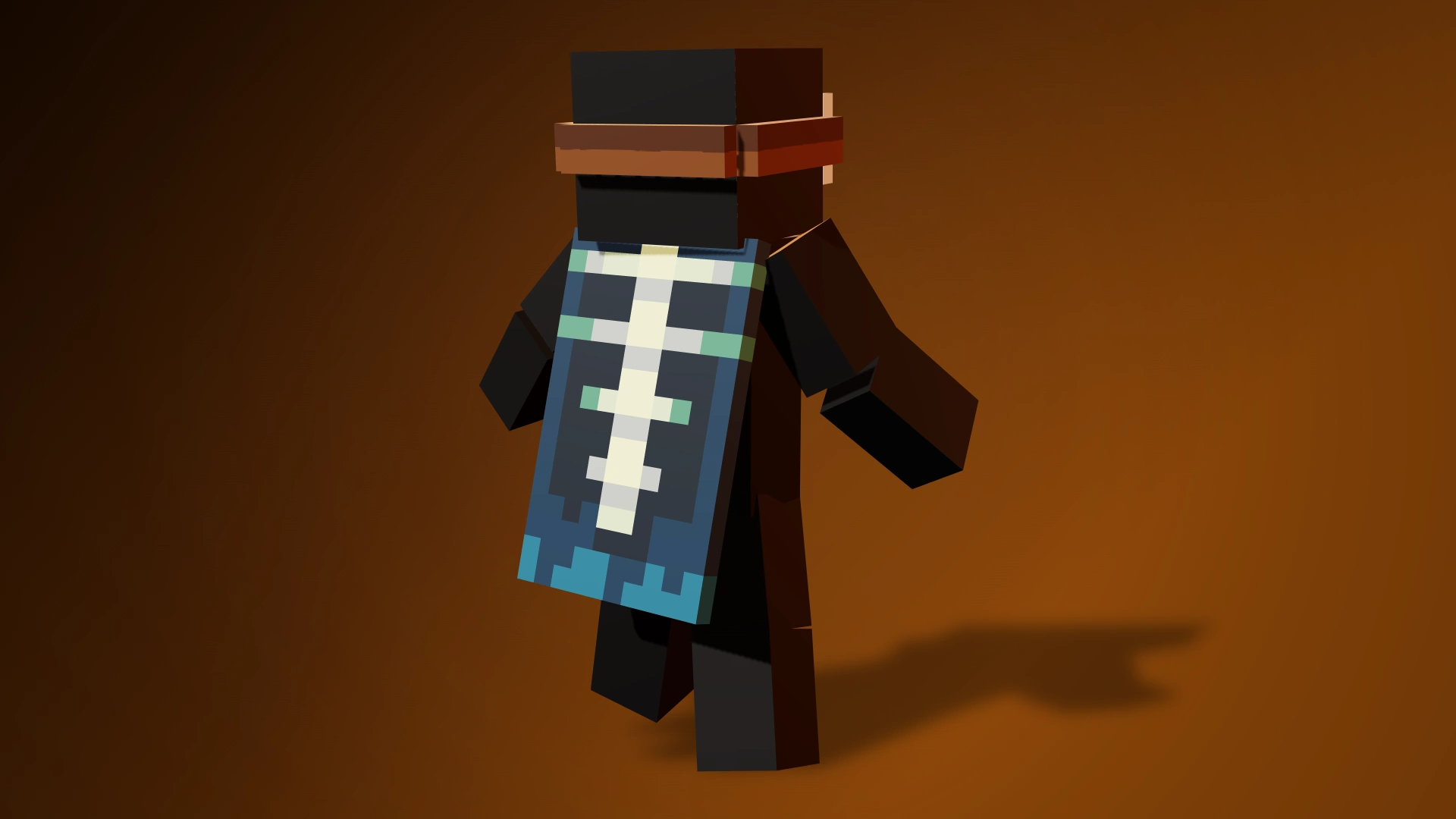
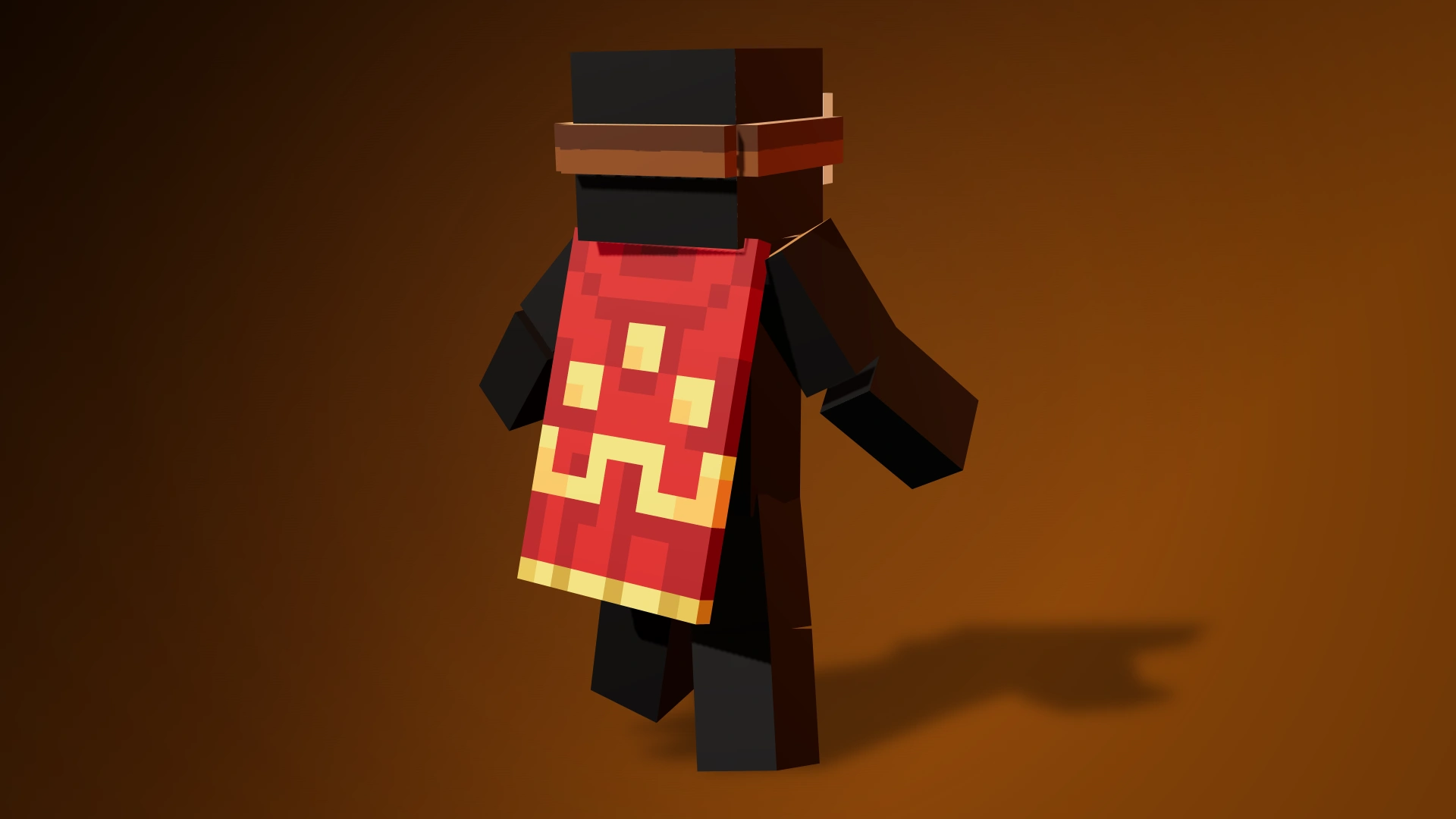
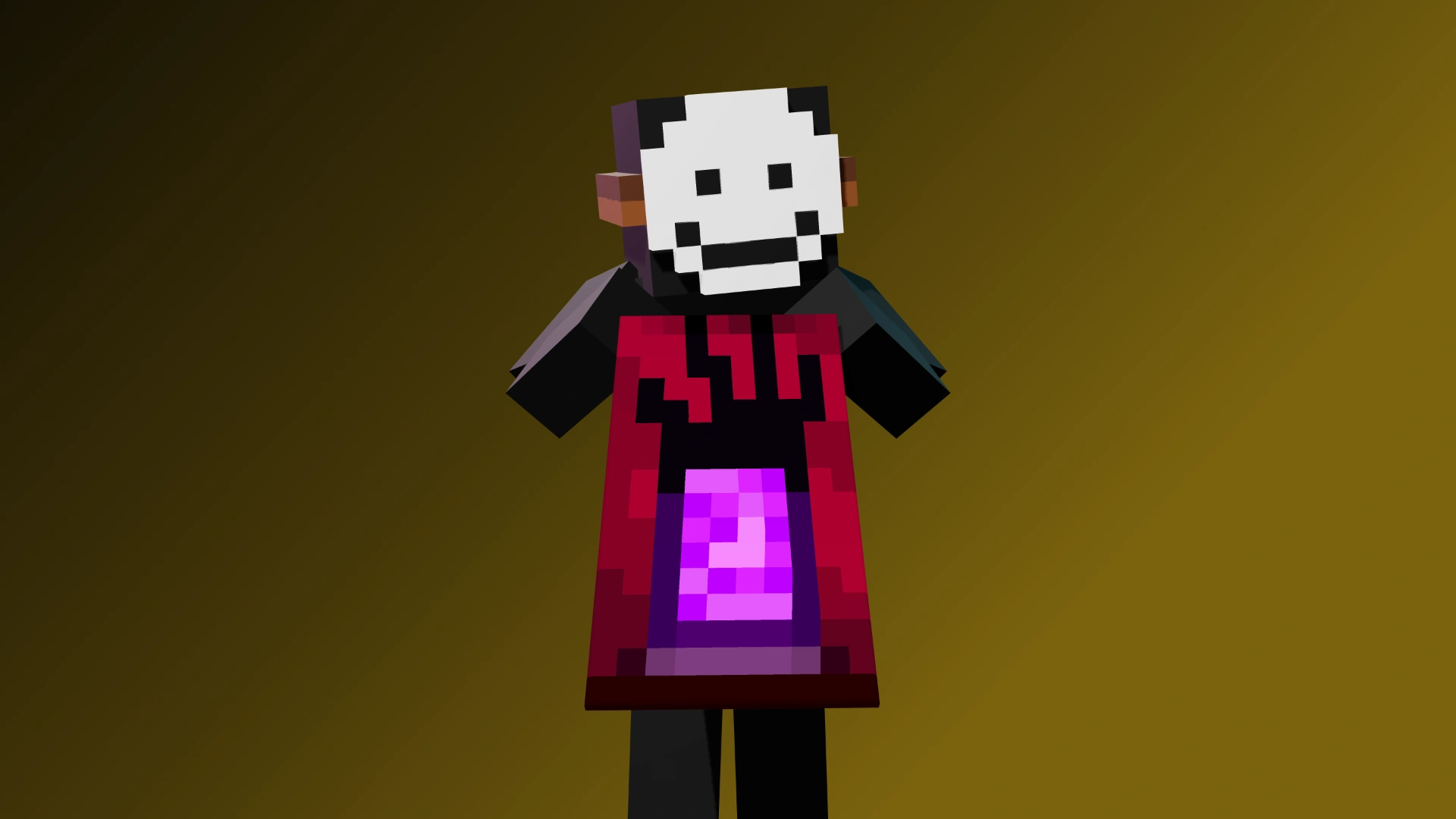
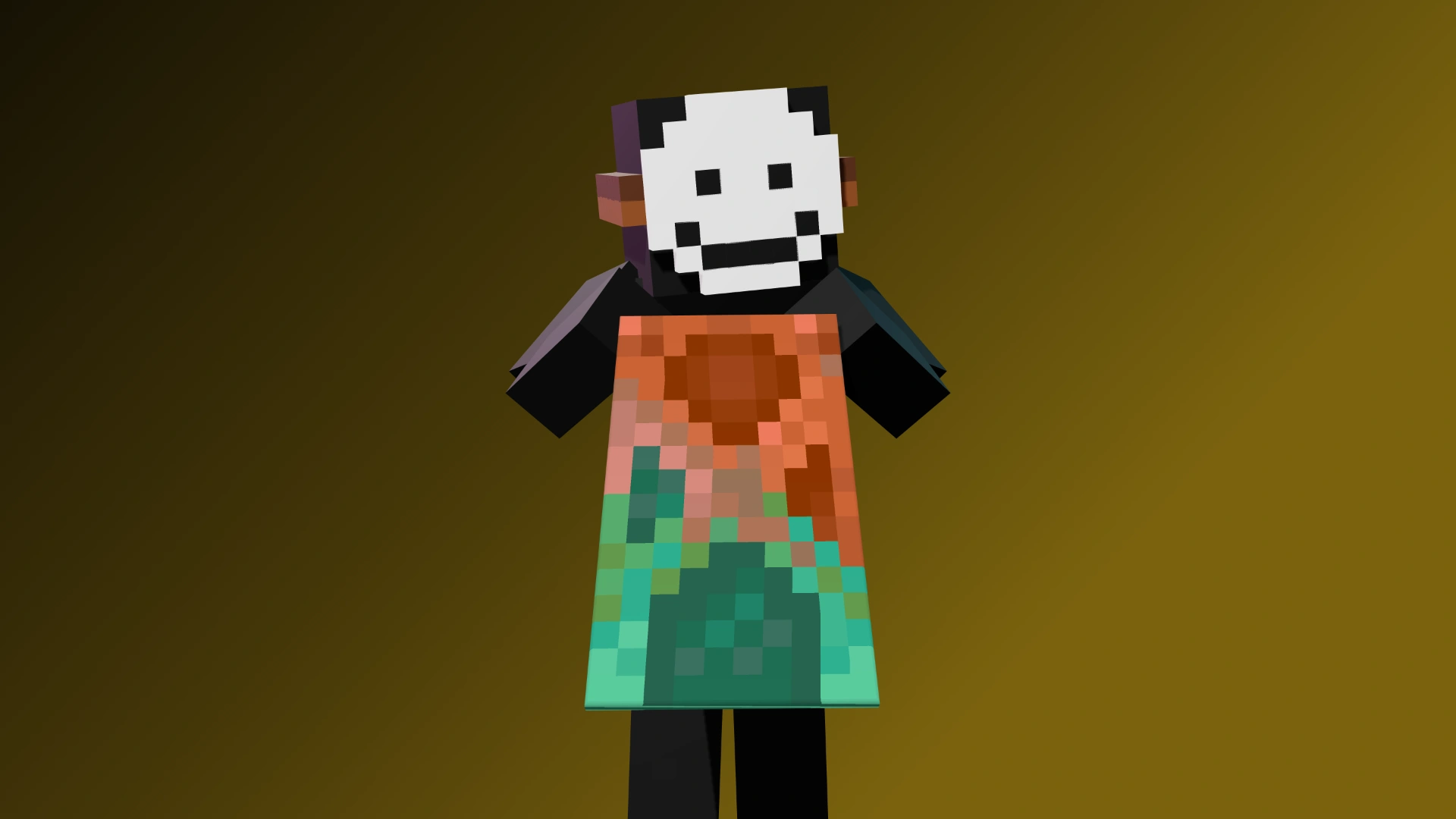
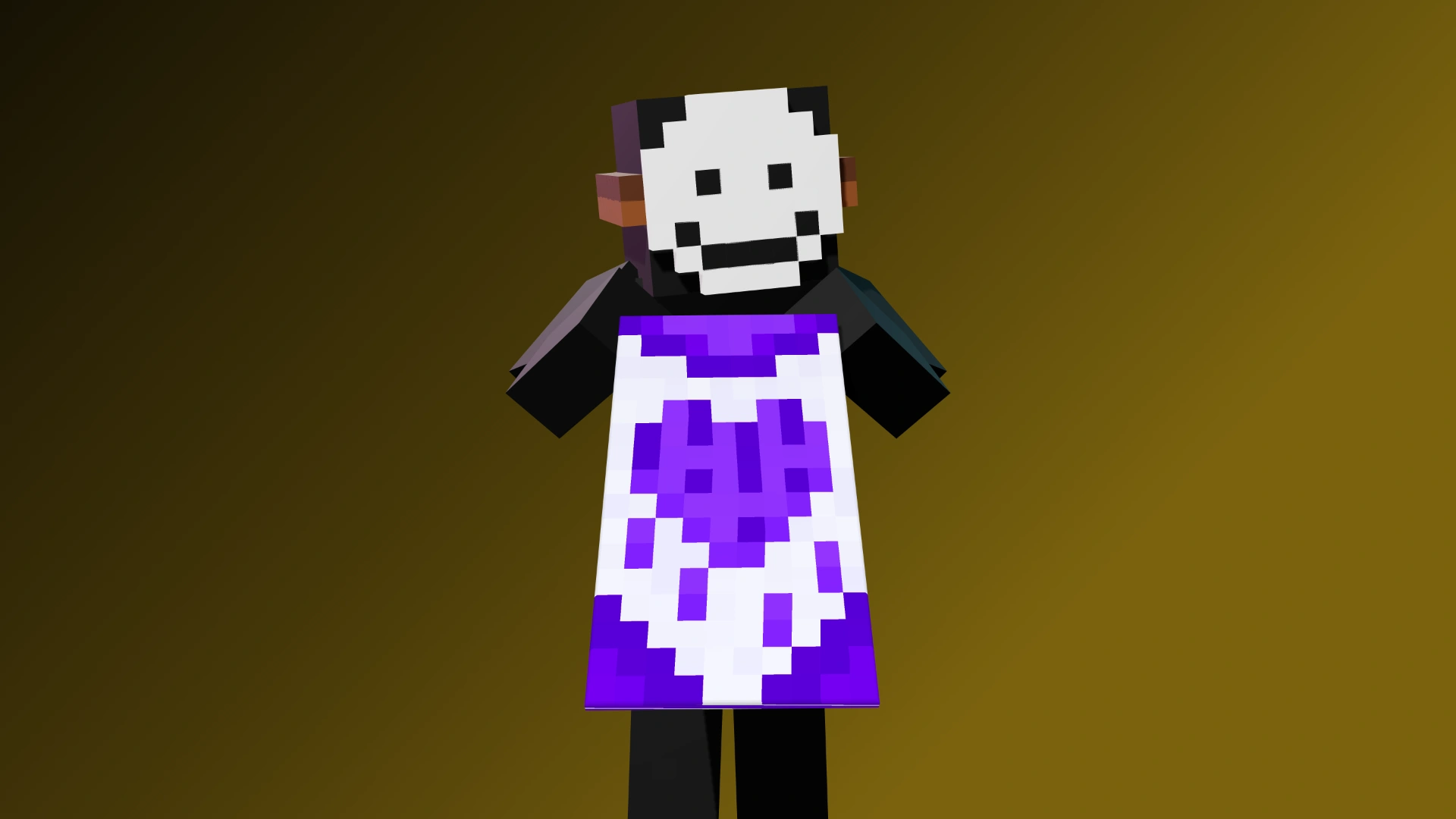
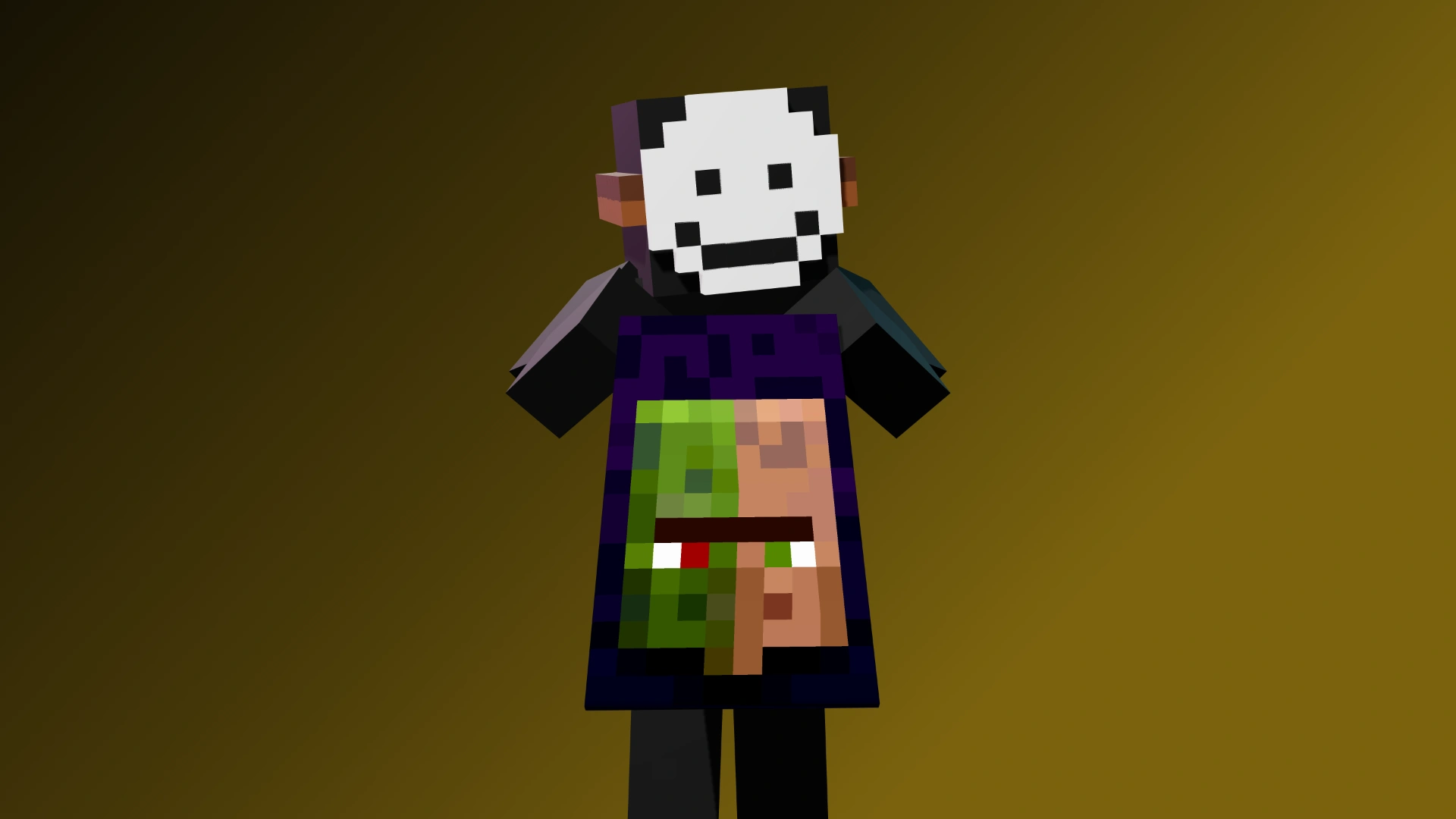
Capes: 2
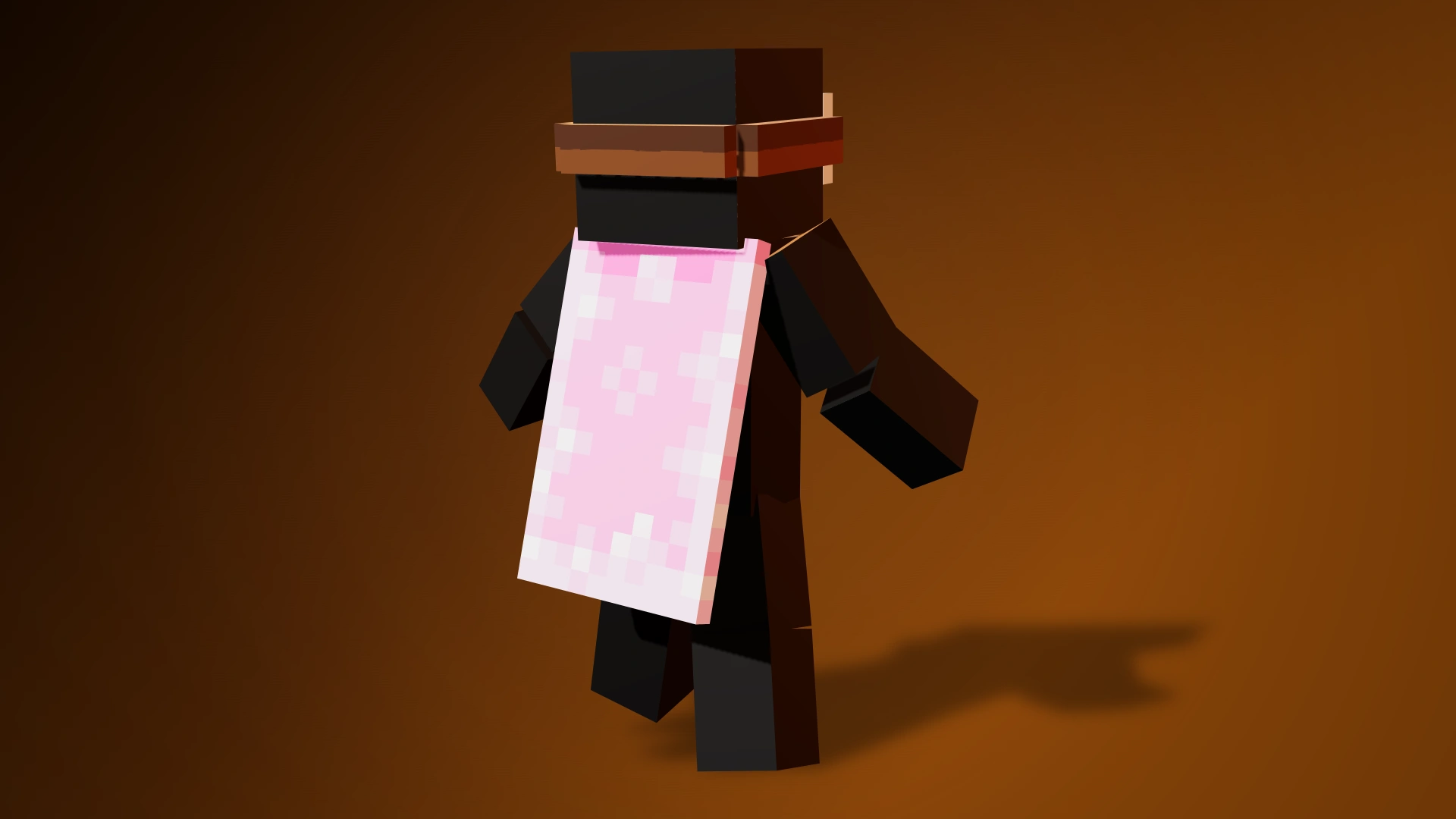
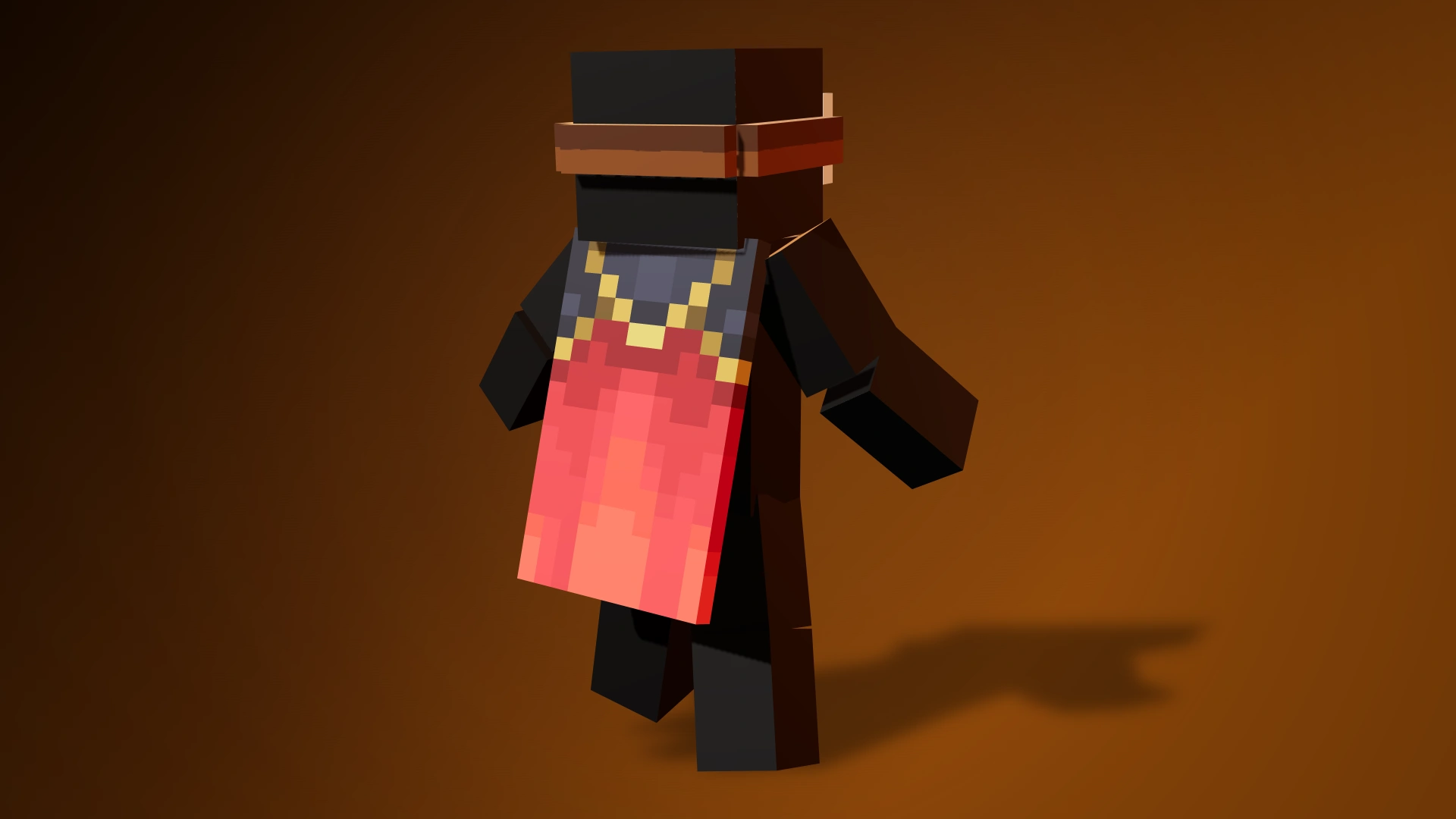
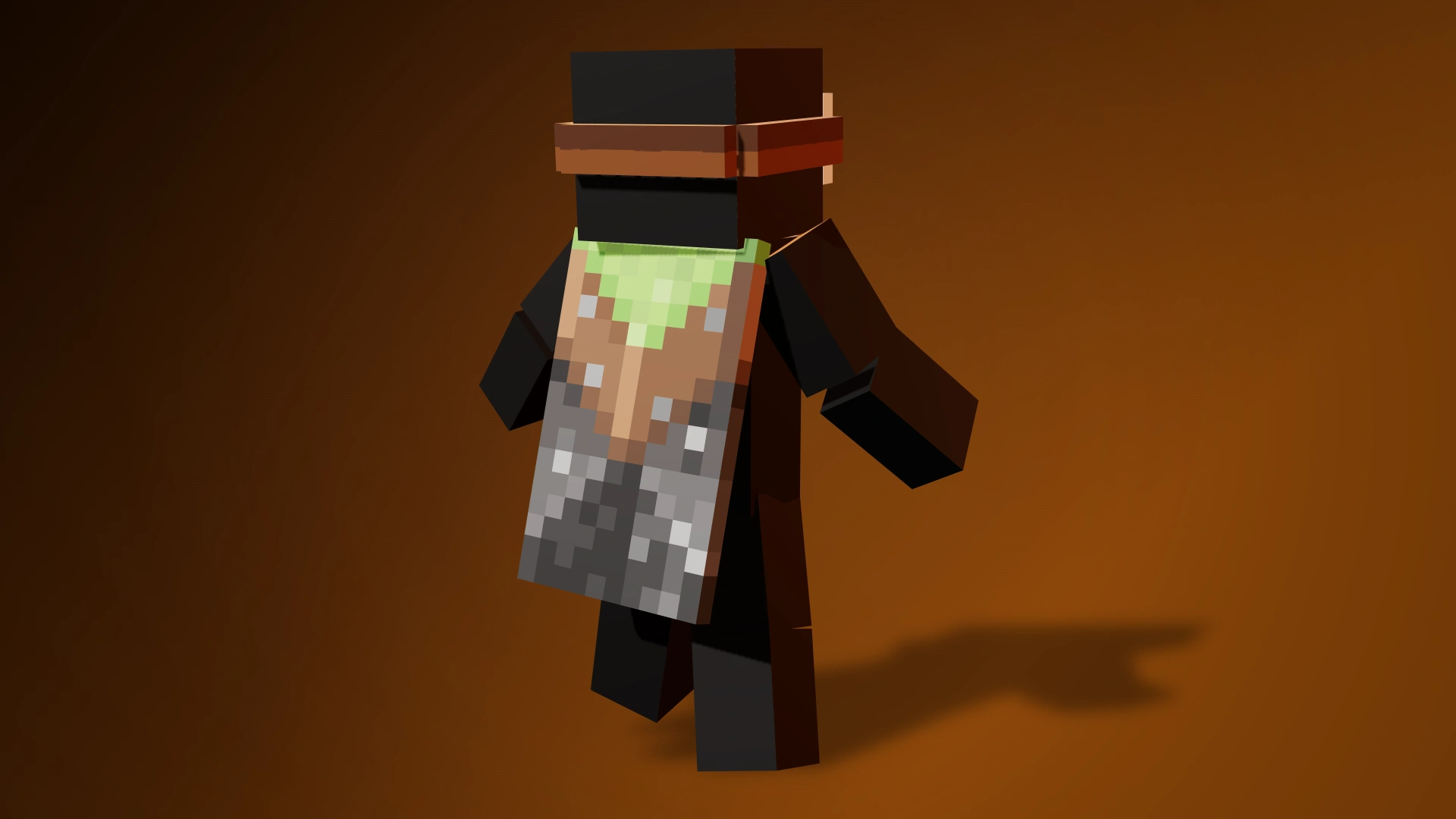
🎭 Capes:
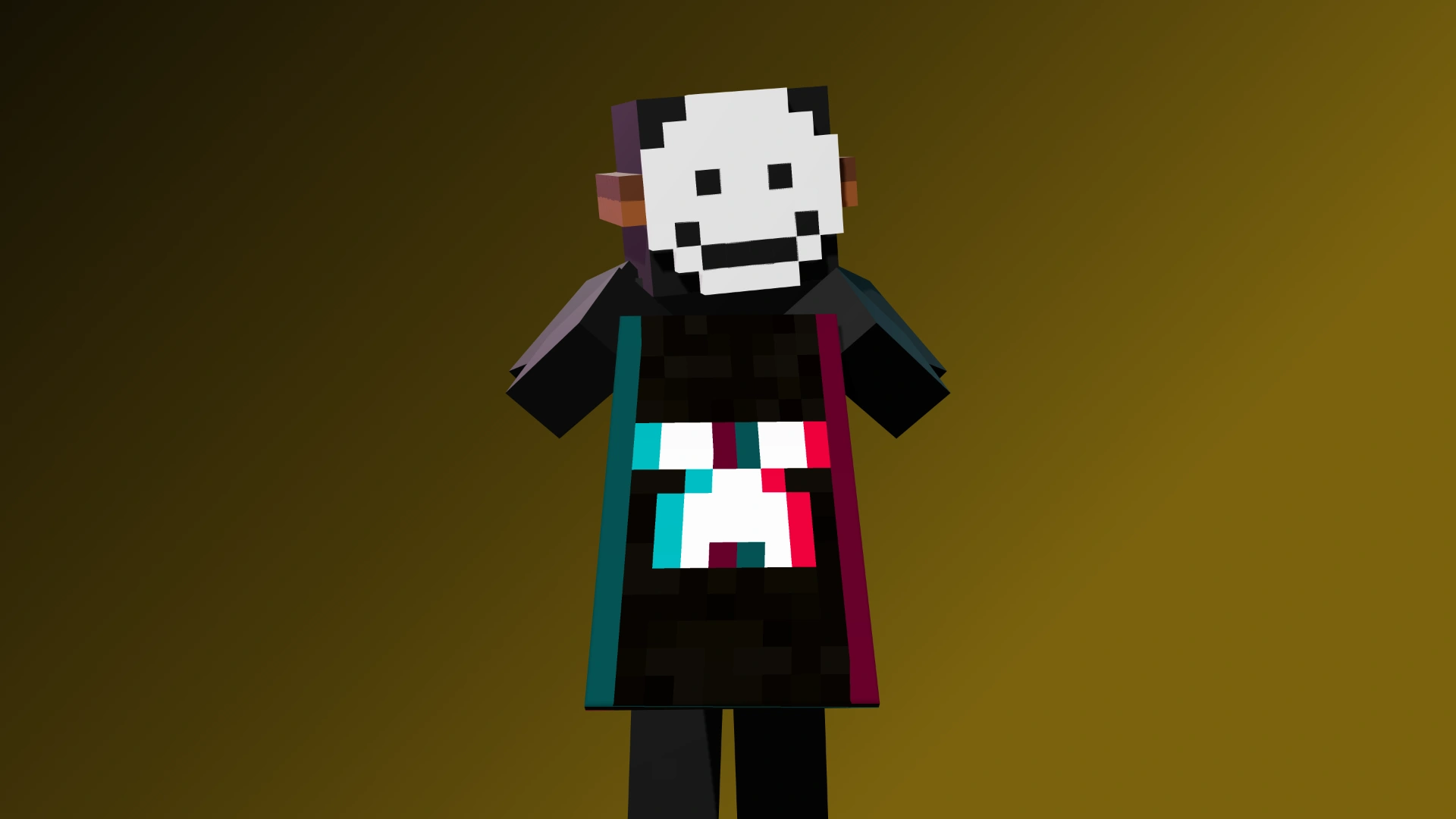
• Pan
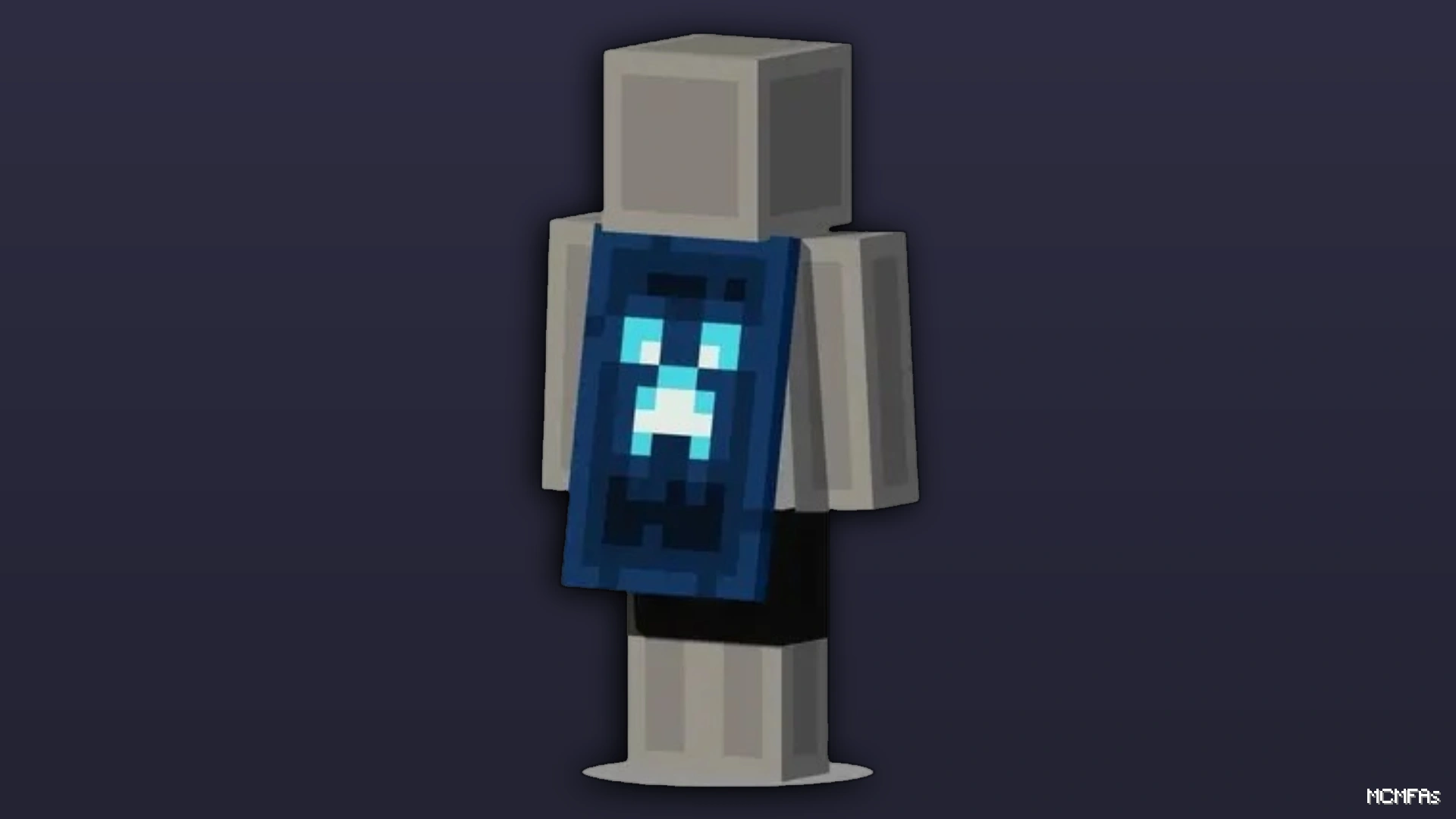
• Common
🎯 Status:
✅ Clean: DonutSMP, Hypixel, Blockmania
🔗 NameMC: https://namemc.com/profile/6510
How to Redeem Your Cape Code
Step 1 — Redeem your code
Go to minecraft.net/redeem
Log in with your Microsoft account
Enter your code and follow the on-screen instructions
Step 2 — Activate your cape
Go to minecraft.net/profile
Click "Change your skin"
Your new cape should appear there
Cape not showing up?
Launch Minecraft Bedrock Edition → Profile → Capes and enable it
⏳ If the cape still doesn't appear, wait a few minutes and try again.
Account Security Guide
Step 1 — Sign in
Go to account.microsoft.com
Enter the primary email → click Next
Select "Send a code to your recovery email"
Enter the recovery email → click Send code
Go to codes.mcmfas.store → Enter the recovery email
Enter received code on microsoft.com
Step 2 — Secure your account
Go to My Microsoft Account → Security
Add your own recovery email → remove the old one
Generate a new recovery code → save it somewhere safe
Step 3 — Change your email & password
Go to Your Info → Edit account info
Add a new email, set it as primary, then remove the old alias
Go to Security → Change password
Done! Your account is now fully secured.
Need Help ?
Join discord.gg/mcmfas and open a ticket in "tickets" channel !
Log in to your account






No matches here — press Enter to search everything.
Type to search products.